
How to Scrape Craigslist with Python (the Safe Way): RSS + Detail Pages
Craigslist gives you a major gift that many marketplaces do not:
- public RSS feeds for search result discovery
That means you do not need to brute-force pagination just to find new listings. You can:
- pull the RSS feed for a city and category
- use it as your “new item” stream
- fetch each listing page for richer fields
That is the safest pattern because it lowers request volume and makes dedupe easier.
In this guide we will build a real scraper that extracts:
- listing title
- URL
- posted time
- price
- neighborhood
- map address
- attributes
- listing body text
Craigslist is lighter than most marketplaces, but a real pipeline still needs retries, pacing, and stable networking. ProxiesAPI helps keep your scheduled runs boring.
What we are scraping
Craigslist organizes listings by:
- city subdomain, such as
sfbay.craigslist.org - category code, such as
biafor bicycles
RSS feed pattern:
https://<city>.craigslist.org/search/<category>?format=rss
Example:
https://sfbay.craigslist.org/search/bia?format=rss
You can keep normal search filters and still get RSS:
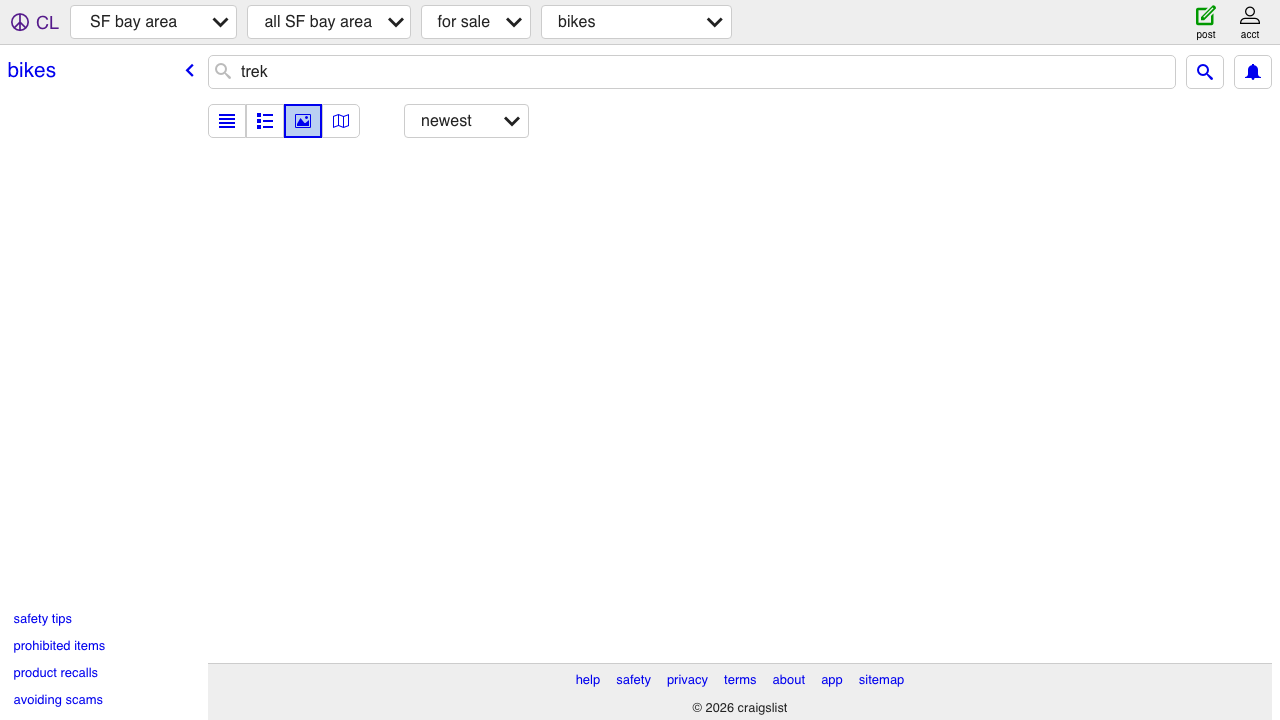
https://sfbay.craigslist.org/search/bia?query=trek&min_price=100&max_price=900&format=rss
That is why RSS is the right discovery layer here.
Setup
python -m venv .venv
source .venv/bin/activate
pip install requests beautifulsoup4 lxml
Step 1: Fetch and parse the RSS feed
The RSS response is XML, so we will parse it with BeautifulSoup’s XML mode.
from __future__ import annotations

import requests
from bs4 import BeautifulSoup

TIMEOUT = (10, 30)
UA = "Mozilla/5.0 (compatible; ProxiesAPIGuidesBot/1.0; +https://www.proxiesapi.com/)"

session = requests.Session()
session.headers.update({"User-Agent": UA})


def fetch_text(url: str) -> str:
    r = session.get(url, timeout=TIMEOUT)
    r.raise_for_status()
    return r.text


def parse_rss(xml_text: str) -> list[dict]:
    soup = BeautifulSoup(xml_text, "xml")
    items = []

    for item in soup.select("item"):
        items.append({
            "title": item.title.get_text(" ", strip=True) if item.title else None,
            "url": item.link.get_text(strip=True) if item.link else None,
            "published": item.pubDate.get_text(strip=True) if item.pubDate else None,
        })

    return items


rss_url = "https://sfbay.craigslist.org/search/bia?query=trek&format=rss"
xml = fetch_text(rss_url)
items = parse_rss(xml)
print("rss items:", len(items))
print(items[0])
Typical output:
rss items: 25
{'title': 'Trek bike ...', 'url': 'https://sfbay.craigslist.org/...html', 'published': 'Wed, 17 Jun 2026 07:10:00 -0700'}
Step 2: Inspect the detail page structure
The listing detail page is where the useful fields live. On normal public listings, the most helpful selectors are:
- title:
span#titletextonly - price:
span.price - description:
section#postingbody - map address:
div.mapaddress - metadata groups:
p.attrgroup span
Those selectors have been stable for years because they are tied to Craigslist’s very plain HTML templates.
Step 3: Parse each listing page
import re
from bs4 import BeautifulSoup


def clean_space(text: str) -> str:
    return re.sub(r"\s+", " ", (text or "").strip())


def parse_listing(html: str, url: str) -> dict:
    soup = BeautifulSoup(html, "lxml")

    title_el = soup.select_one("span#titletextonly")
    price_el = soup.select_one("span.price")
    body_el = soup.select_one("section#postingbody")
    addr_el = soup.select_one("div.mapaddress")
    time_el = soup.select_one("time.date.timeago")

    attrs = [
        s.get_text(" ", strip=True)
        for s in soup.select("p.attrgroup span")
        if s.get_text(strip=True)
    ]

    body = None
    if body_el:
        raw = body_el.get_text("\n", strip=True)
        raw = raw.replace("QR Code Link to This Post", "").strip()
        body = clean_space(raw)

    return {
        "url": url,
        "title": title_el.get_text(" ", strip=True) if title_el else None,
        "price": price_el.get_text(strip=True) if price_el else None,
        "address": addr_el.get_text(" ", strip=True) if addr_el else None,
        "posted_datetime": time_el.get("datetime") if time_el else None,
        "attributes": attrs,
        "body": body,
        "body_length": len(body or ""),
    }
Step 4: Combine RSS discovery with detail scraping
import time
import random


def polite_sleep(min_s: float = 1.0, max_s: float = 2.5) -> None:
    time.sleep(random.uniform(min_s, max_s))


def scrape_from_rss(rss_url: str, limit: int = 10) -> list[dict]:
    xml = fetch_text(rss_url)
    feed_items = parse_rss(xml)
    rows = []

    for item in feed_items[:limit]:
        html = fetch_text(item["url"])
        row = parse_listing(html, item["url"])
        row["rss_title"] = item["title"]
        row["rss_published"] = item["published"]
        rows.append(row)
        polite_sleep()

    return rows


rows = scrape_from_rss(
    "https://sfbay.craigslist.org/search/bia?query=trek&format=rss",
    limit=5,
)
print(rows[0])
That gives you a safe baseline:
- one feed request
- a small number of detail requests
- clean, dedupe-friendly records
Step 5: Dedupe and export
Craigslist URLs already contain unique listing IDs, so dedupe on URL first.
import csv


def dedupe(rows: list[dict]) -> list[dict]:
    seen = set()
    out = []
    for row in rows:
        if row["url"] in seen:
            continue
        seen.add(row["url"])
        out.append(row)
    return out


unique_rows = dedupe(rows)

with open("craigslist_listings.csv", "w", newline="", encoding="utf-8") as f:
    writer = csv.DictWriter(
        f,
        fieldnames=[
            "url",
            "title",
            "price",
            "address",
            "posted_datetime",
            "rss_published",
            "body_length",
            "body",
            "attributes",
        ],
    )
    writer.writeheader()
    writer.writerows(unique_rows)

print("wrote rows:", len(unique_rows))
Step 6: Handle common failure modes
Craigslist is lighter than many sites, but it is still worth coding for reality.
1) Some listings disappear
Between feed discovery and detail fetch, a seller may delete a listing. Expect:
- 404s
- redirects
- short placeholder pages
Treat those as normal and skip them.
2) Some fields are optional
Not every listing has:
- a price
- a neighborhood
- a map address
- the same attribute fields
Your parser should tolerate None.
3) Do not scrape too aggressively
If you are crawling many cities:
- keep delays between detail pages
- cap items per run
- avoid hitting the same search feed every minute
RSS already reduces load. Use that advantage.
Using ProxiesAPI
For small Craigslist experiments you may not need a proxy. For scheduled, multi-city jobs, a stable network layer is still useful.
curl "http://api.proxiesapi.com/?key=API_KEY&url=https://sfbay.craigslist.org/search/bia?query=trek&format=rss"
Python helper:
from urllib.parse import urlencode


def wrap_proxiesapi(target_url: str, api_key: str) -> str:
    return "http://api.proxiesapi.com/?" + urlencode({
        "key": api_key,
        "url": target_url,
    })


rss_via_proxy = wrap_proxiesapi(
    "https://sfbay.craigslist.org/search/bia?query=trek&format=rss",
    "YOUR_API_KEY",
)
xml = fetch_text(rss_via_proxy)
The rest of the scraper stays the same.
Why RSS + detail pages is the safe pattern
This pattern wins because it cuts waste:
- RSS tells you what is new
- detail pages give you richer data
- dedupe is simple
- you avoid crawling deep search pagination unless you truly need archives
For a production scraper, that is exactly the tradeoff you want.
Final script
RSS_URL = "https://sfbay.craigslist.org/search/bia?query=trek&format=rss"
rows = dedupe(scrape_from_rss(RSS_URL, limit=10))

if not rows:
    raise RuntimeError("No listings scraped; check feed filters or HTML selectors")

print("scraped", len(rows), "listings")
If your goal is reliable Craigslist monitoring, this is the pattern I would start with before reaching for anything heavier.
Craigslist is lighter than most marketplaces, but a real pipeline still needs retries, pacing, and stable networking. ProxiesAPI helps keep your scheduled runs boring.