
Scrape Craigslist Listings by Category and City (Python + ProxiesAPI)
Craigslist is one of the best real-world scraping targets because pages are mostly server-rendered HTML and the structure is predictable. The moment you scale across cities and categories, though, you can run into throttling and inconsistent failures.
In this tutorial we will build a Craigslist scraper in Python that:
- builds category + city search URLs
- paginates across results
- extracts listing fields (title, price, location, posted time, url)
- dedupes across pages
- exports a clean CSV
- optionally routes requests via ProxiesAPI (without rewriting your scraper)
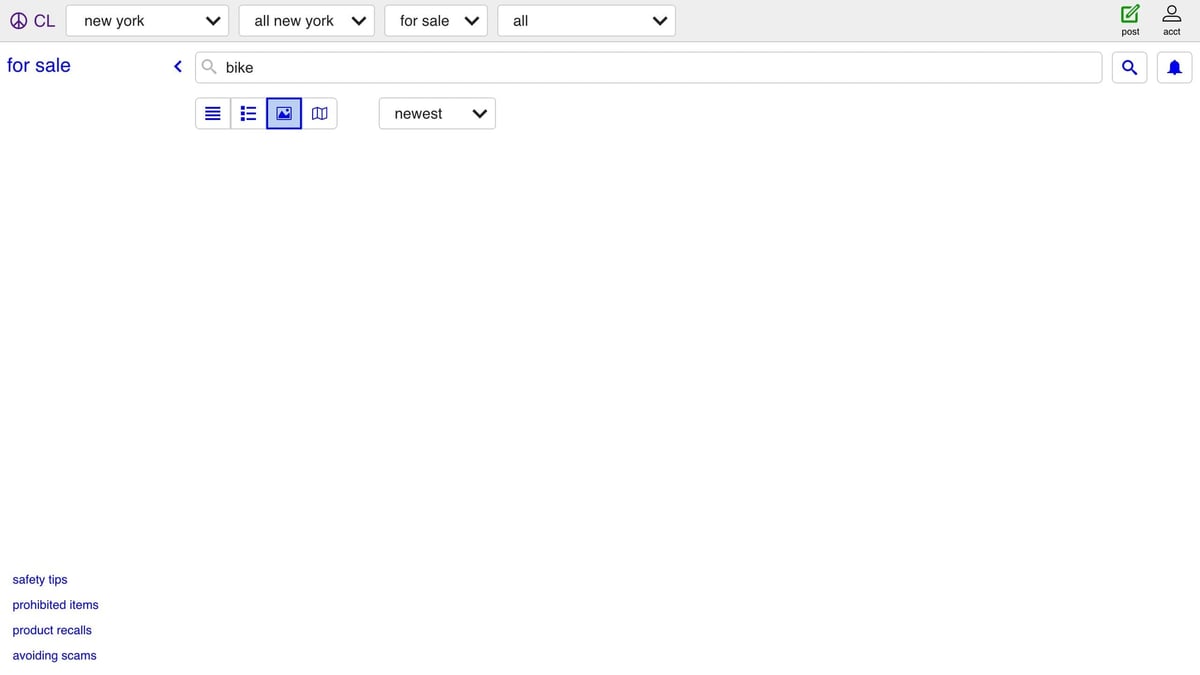
Craigslist is lightweight — but once you crawl multiple cities/categories, you still hit throttling and intermittent blocks. ProxiesAPI helps you keep retries and IP rotation centralized in your fetch layer.
What we are scraping (URL patterns + HTML)
Craigslist search URLs typically look like:
- city base:
https://sfbay.craigslist.org - search path:
/search/sss(for-sale, all) - query parameter:
?query=bike - pagination offset:
&s=120(offset in results)
Example:
https://sfbay.craigslist.org/search/sss?query=bike&s=120
On many pages you will see a static HTML results list that is easy to parse, with listing cards like:
<li class="cl-static-search-result" title="Classic Trek 720, 60cm">
  <a href="https://sfbay.craigslist.org/eby/bik/...html">
    <div class="title">Classic Trek 720, 60cm</div>
    <div class="details">
      <div class="price">$600</div>
      <div class="location">Lafayette</div>
    </div>
  </a>
</li>
We will parse those cards defensively (some listings are missing price/location).
Setup
python3 -m venv .venv
source .venv/bin/activate
pip install requests beautifulsoup4 lxml
Step 1: A resilient fetch layer (with optional ProxiesAPI)
The key design choice: keep your scraper split into fetch → parse → export.
When you do that, routing via ProxiesAPI is a tiny change: wrap the target URL at the fetch layer.
This example uses a common ProxiesAPI wrapper format:
http://api.proxiesapi.com/?auth_key=YOUR_KEY&url=https://target.com/...
If your ProxiesAPI endpoint shape differs, only proxiesapi_url() needs changing.
import csv
import os
import random
import time
from dataclasses import dataclass
from typing import Iterable
from urllib.parse import quote, urlencode, urljoin

import requests
from bs4 import BeautifulSoup

UA_POOL = [
    "Mozilla/5.0 (Macintosh; Intel Mac OS X 10_15_7) AppleWebKit/537.36 (KHTML, like Gecko) Chrome/126.0 Safari/537.36",
    "Mozilla/5.0 (Windows NT 10.0; Win64; x64) AppleWebKit/537.36 (KHTML, like Gecko) Chrome/126.0 Safari/537.36",
]

def proxiesapi_url(target_url: str) -> str:
    key = os.environ.get("PROXIESAPI_KEY")
    if not key:
        return target_url
    return f"http://api.proxiesapi.com/?auth_key={quote(key)}&url={quote(target_url, safe='')}"

@dataclass(frozen=True)
class FetchConfig:
    timeout: tuple[int, int] = (10, 30)
    max_retries: int = 4
    sleep_base: float = 0.8

class Fetcher:
    def __init__(self, cfg: FetchConfig = FetchConfig()):
        self.cfg = cfg
        self.session = requests.Session()

    def get(self, url: str) -> str:
        last_err: Exception | None = None
        for attempt in range(1, self.cfg.max_retries + 1):
            try:
                final = proxiesapi_url(url)
                r = self.session.get(
                    final,
                    timeout=self.cfg.timeout,
                    headers={"User-Agent": random.choice(UA_POOL)},
                )
                r.raise_for_status()
                return r.text
            except Exception as e:
                last_err = e
                if attempt == self.cfg.max_retries:
                    break
                time.sleep(self.cfg.sleep_base * (2 ** (attempt - 1)) + random.random() * 0.25)
        raise last_err or RuntimeError("fetch failed")
Step 2: Build category + city search URLs
Craigslist uses a city subdomain plus a category code:
- city base:
https://{city}.craigslist.org(for examplesfbay,newyork) - category:
sssfor-sale all,jjjjobs all (and many more)
def build_search_url(*, city: str, category: str, query: str, offset: int = 0) -> str:
    base = f"https://{city}.craigslist.org"
    params: dict[str, str] = {"query": query}
    if offset:
        params["s"] = str(offset)
    return f"{base}/search/{category}?{urlencode(params)}"
Step 3: Parse listings from a results page
We will try a couple of selectors (Craigslist has changed layout over time):
li.cl-static-search-result(newer pages)li.result-row(older layout)
def clean_text(x: str | None) -> str | None:
    if x is None:
        return None
    t = " ".join(x.split()).strip()
    return t or None

def parse_results(html: str, *, base_url: str) -> list[dict]:
    soup = BeautifulSoup(html, "lxml")

    rows = soup.select("li.cl-static-search-result")
    if not rows:
        rows = soup.select("li.result-row")

    out: list[dict] = []
    for row in rows:
        a = row.select_one("a[href]")
        url = a.get("href") if a else None
        if url and url.startswith("/"):
            url = urljoin(base_url, url)

        title_el = row.select_one(".title") or row.select_one("a.result-title")
        price_el = row.select_one(".price") or row.select_one(".result-price")
        loc_el = row.select_one(".location") or row.select_one(".result-hood")
        time_el = row.select_one("time[datetime]")

        out.append({
            "title": clean_text(title_el.get_text(" ", strip=True) if title_el else None),
            "price": clean_text(price_el.get_text(" ", strip=True) if price_el else None),
            "location": clean_text(loc_el.get_text(" ", strip=True) if loc_el else None),
            "posted_at": time_el.get("datetime") if time_el else None,
            "url": url,
        })

    return out
Step 4: Crawl pages + dedupe + export CSV
Pagination is offset-based (s=...). Dedupe by listing URL so you do not double count results across pages.
def crawl(*, city: str, category: str = "sss", query: str, pages: int = 5, page_size: int = 120) -> list[dict]:
    fetcher = Fetcher()
    base = f"https://{city}.craigslist.org"

    seen: set[str] = set()
    all_rows: list[dict] = []

    for i in range(pages):
        offset = i * page_size
        url = build_search_url(city=city, category=category, query=query, offset=offset)
        html = fetcher.get(url)
        batch = parse_results(html, base_url=base)

        for row in batch:
            u = row.get("url") or ""
            if not u or u in seen:
                continue
            seen.add(u)
            all_rows.append(row)

        if not batch:
            break

    return all_rows

def write_csv(rows: Iterable[dict], path: str) -> None:
    rows = list(rows)
    fieldnames = ["title", "price", "location", "posted_at", "url"]
    with open(path, "w", newline="", encoding="utf-8") as f:
        w = csv.DictWriter(f, fieldnames=fieldnames)
        w.writeheader()
        for r in rows:
            w.writerow({k: r.get(k) for k in fieldnames})

if __name__ == "__main__":
    rows = crawl(city="sfbay", category="sss", query="bike", pages=3)
    print("rows:", len(rows))
    write_csv(rows, "craigslist_results.csv")
    print("wrote craigslist_results.csv")
Where ProxiesAPI fits (honestly)
ProxiesAPI will not make a bad scraper magically invisible, but it does give you a clean knob for rotating IPs and centralizing retries/timeouts. If you start seeing 403s, CAPTCHAs, or intermittent failures as you scale across cities, enabling ProxiesAPI at the fetch layer is usually the smallest change with the biggest impact.
Craigslist is lightweight — but once you crawl multiple cities/categories, you still hit throttling and intermittent blocks. ProxiesAPI helps you keep retries and IP rotation centralized in your fetch layer.