
Scrape News Headlines from Google News
If your goal is to collect news headlines reliably, Google News is a strong aggregator because it already groups stories by topic, source, and geography.
The mistake most scrapers make is treating Google News like a raw HTML scraping target first.
For this use case, the better path is:
- use a topic page screenshot for human reference
- use the public RSS feed behind that topic for structured collection
- parse article metadata from XML
- optionally follow article links later for full-text enrichment
That approach is more stable than scraping the constantly shifting front-end DOM.
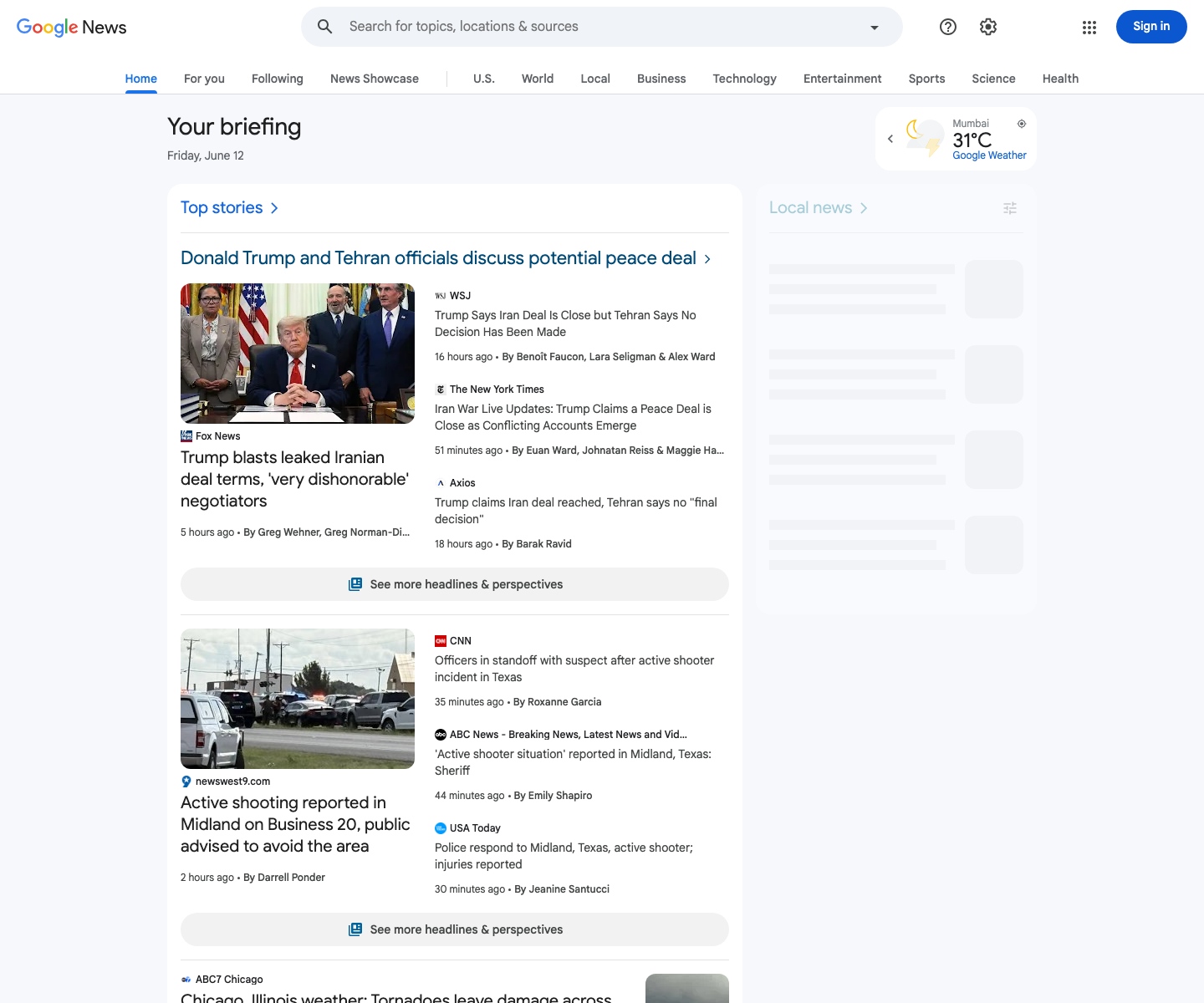
Google News topic feeds are easier to work with than raw page HTML, but they still deserve polite fetching, retries, and IP hygiene when you run them on a schedule. ProxiesAPI helps when your crawler graduates from experiments to production jobs.
What we are collecting
From each Google News topic feed item, we want:
- headline text
- source publication
- publication timestamp
- Google News article URL
- topic name
That is enough to power:
- internal alerting
- simple dashboards
- topic trend monitoring
- downstream article enrichment
One important limitation: the feed link is usually a Google News redirect URL, not always the final publisher URL. For many workflows, that is fine. If you need canonical publisher links, add a second-stage resolver later.
A better input than raw HTML: topic RSS feeds
Google News exposes RSS endpoints such as:
https://news.google.com/rss?hl=en-US&gl=US&ceid=US:en
And topic-specific feeds follow the same pattern with a topic identifier in the path. In practice, the easiest workflow is:
- Open the topic page in a browser
- Save the topic URL you care about
- Find or build the matching RSS URL
- Scrape the feed on a schedule
This keeps the collection layer XML-based and much less brittle than front-end selectors.
Setup
python3 -m venv .venv
source .venv/bin/activate
pip install requests beautifulsoup4 lxml python-dotenv
Create .env:
PROXIESAPI_PROXY_URL="http://USER:PASS@gateway.example:9000"
Again, ProxiesAPI is wired in here as a standard proxy URL because that is the simplest reusable pattern with requests.
Step 1: Fetch the feed politely
import os
import random
import time
from typing import Optional

import requests
from dotenv import load_dotenv

load_dotenv()

PROXY_URL = os.getenv("PROXIESAPI_PROXY_URL")
TIMEOUT = (10, 30)


def make_session() -> requests.Session:
    session = requests.Session()
    session.headers.update(
        {
            "User-Agent": (
                "Mozilla/5.0 (Macintosh; Intel Mac OS X 10_15_7) "
                "AppleWebKit/537.36 (KHTML, like Gecko) "
                "Chrome/125.0 Safari/537.36"
            ),
            "Accept-Language": "en-US,en;q=0.9",
        }
    )
    return session


def fetch(url: str, session: requests.Session, attempts: int = 4) -> str:
    proxies = {"http": PROXY_URL, "https": PROXY_URL} if PROXY_URL else None
    last_error: Optional[Exception] = None

    for attempt in range(1, attempts + 1):
        time.sleep(random.uniform(0.5, 1.2))
        try:
            response = session.get(url, timeout=TIMEOUT, proxies=proxies)
            if response.status_code in (403, 429, 500, 502, 503, 504):
                time.sleep(min(8, 1.5 ** attempt))
                continue

            response.raise_for_status()
            return response.text
        except Exception as exc:
            last_error = exc
            time.sleep(min(8, 1.5 ** attempt))

    raise RuntimeError(f"Could not fetch {url}") from last_error
Step 2: Parse RSS items into clean rows
Google News RSS is XML, so we do not need Selenium, Playwright, or CSS selectors for the feed itself.
from bs4 import BeautifulSoup


def parse_feed(xml_text: str, topic_name: str) -> list[dict]:
    soup = BeautifulSoup(xml_text, "xml")
    rows = []

    for item in soup.find_all("item"):
        title = item.title.get_text(" ", strip=True) if item.title else None
        link = item.link.get_text(" ", strip=True) if item.link else None
        pub_date = item.pubDate.get_text(" ", strip=True) if item.pubDate else None
        source_tag = item.find("source")
        source = source_tag.get_text(" ", strip=True) if source_tag else None

        rows.append(
            {
                "topic": topic_name,
                "headline": title,
                "source": source,
                "published_at": pub_date,
                "google_news_url": link,
            }
        )

    return rows
This already gives you the four fields most teams care about.
Step 3: Save to CSV
import csv


def save_csv(rows: list[dict], path: str) -> None:
    fieldnames = ["topic", "headline", "source", "published_at", "google_news_url"]
    with open(path, "w", newline="", encoding="utf-8") as fh:
        writer = csv.DictWriter(fh, fieldnames=fieldnames)
        writer.writeheader()
        writer.writerows(rows)
Now wire it together:
def scrape_topic(feed_url: str, topic_name: str, csv_path: str) -> None:
    session = make_session()
    xml_text = fetch(feed_url, session)
    rows = parse_feed(xml_text, topic_name)
    save_csv(rows, csv_path)
    print(f"saved {len(rows)} rows to {csv_path}")


if __name__ == "__main__":
    scrape_topic(
        "https://news.google.com/rss?hl=en-US&gl=US&ceid=US:en",
        "top-stories",
        "google_news_top_stories.csv",
    )
Typical output:
saved 100 rows to google_news_top_stories.csv
Step 4: Add article enrichment only if you need it
For many use cases, the feed alone is enough.
Add second-stage article fetching only when you need:
- full article text
- author names
- publisher canonical URLs
- sentiment / entity extraction
That second stage should be a separate job because publisher sites vary wildly and have different anti-bot behavior.
Why not scrape the front-end page directly?
You can inspect article cards on the Google News page in a browser, but it is usually the wrong default:
- the DOM changes often
- cards are grouped and re-ordered by layout
- redirect URLs can be embedded in different places
- browser automation is heavier than an RSS pull
Use the page for screenshots and editorial inspection. Use the feed for structured collection.
Where ProxiesAPI helps
A single occasional RSS pull probably works without a proxy.
ProxiesAPI becomes useful when:
- you monitor many topic feeds or many locales
- you run scheduled jobs from one cloud IP
- your enrichment stage fetches a large number of downstream publisher pages
- you want retries without every request coming from the exact same network path
That is the right mental model: Google News collection is a pipeline, and ProxiesAPI improves the network layer of that pipeline.
Practical guardrails
1. Respect feed terms and usage limits
Google News RSS is useful, but it is not a blank check for large-scale redistribution. Keep usage internal unless you have reviewed the feed terms for your use case.
2. De-duplicate by URL or title hash
Feeds repeat stories as clusters evolve. Store a stable ID and deduplicate before alerting.
3. Normalize timestamps immediately
Convert pubDate into UTC timestamps on ingest so sorting stays sane later.
4. Keep source names as delivered
Do not over-normalize publisher names on the first pass. Save the raw label first and standardize in a later cleanup stage.
Wrap-up
The cleanest Google News workflow is:
- browse the topic page for human context
- pull the matching RSS feed
- parse headlines, sources, timestamps, and links
- save CSV rows
- use ProxiesAPI when scheduled crawling or article enrichment starts hitting scale
That gets you structured headline data without tying the whole project to brittle front-end selectors.
Google News topic feeds are easier to work with than raw page HTML, but they still deserve polite fetching, retries, and IP hygiene when you run them on a schedule. ProxiesAPI helps when your crawler graduates from experiments to production jobs.