
Scrape UK Property Prices from Rightmove with Python (Dataset Builder + Screenshots)
Rightmove is one of the largest UK property portals. If you’re building a property dataset (prices, beds, agent, floor area, coordinates, etc.), the scraper shape you want is search results → listing URLs → detail pages → normalized rows.
In this guide we’ll build exactly that in Python:
- Collect listing URLs from a Rightmove search results page (pagination included)
- Visit each listing detail page and extract the fields you actually care about
- Export a clean CSV/JSON dataset
- Add practical production features: timeouts, retries, caching, and polite pacing
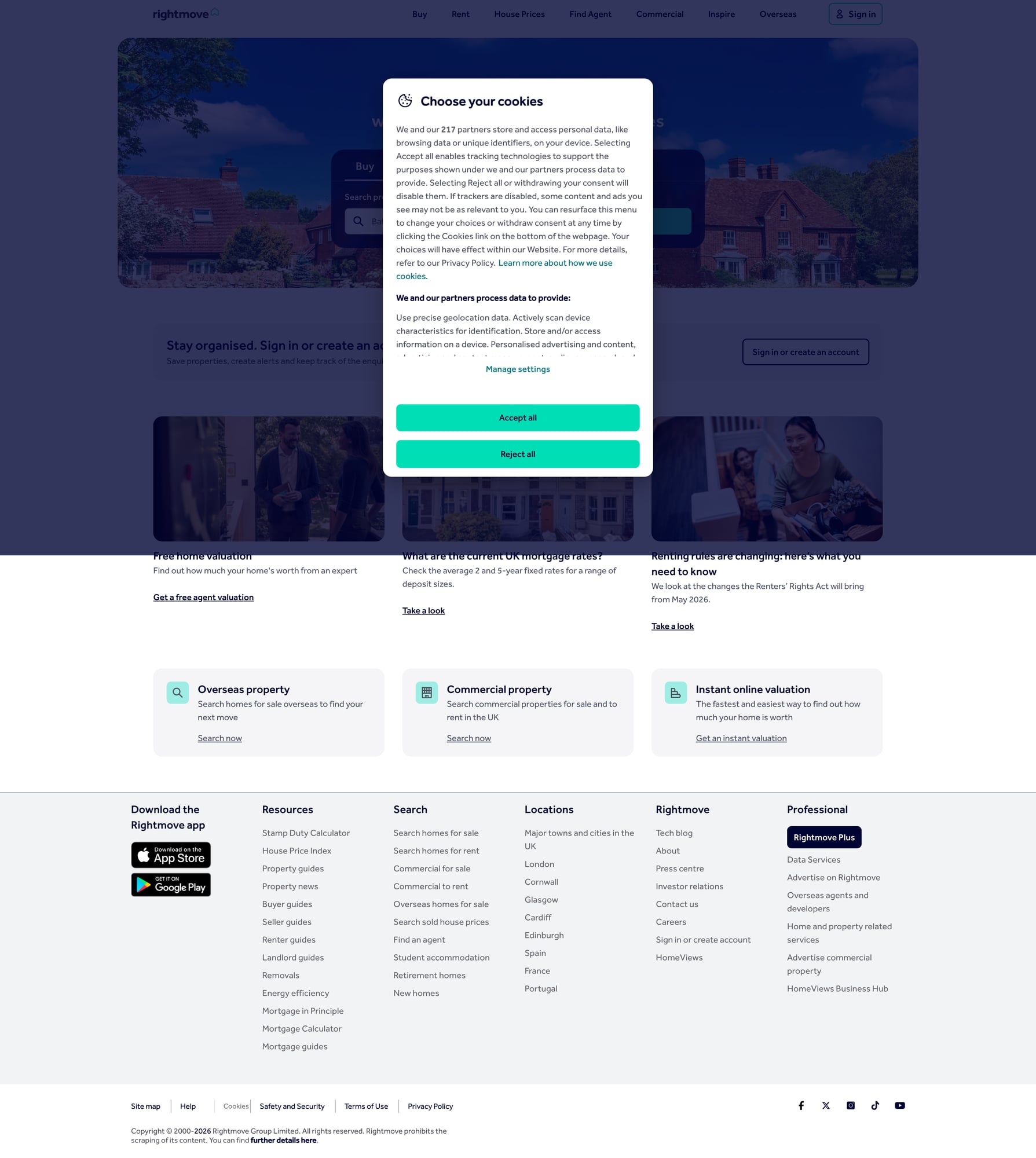
We’ll also capture a screenshot of the target site for proof and future reference.
Real-estate sites are notorious for throttling and soft blocks when you scale from 20 URLs to 20,000. ProxiesAPI gives you a clean, consistent network layer so your dataset job finishes reliably.
Important note (be a good citizen)
Before scraping any site:
- Read the site’s terms and robots policy
- Keep request rates reasonable
- Prefer public data and avoid personal data
- Don’t break logins / paywalls / security controls
This tutorial focuses on public listing pages.
What we’re scraping (Rightmove structure)
Rightmove searches typically look like:
- Search results:
https://www.rightmove.co.uk/property-for-sale/find.html?... - Listing detail pages:
https://www.rightmove.co.uk/properties/<id>#/
Rightmove is largely server-rendered for key content, but it can be heavy and may include embedded JSON that’s easier to parse than raw HTML.
Two reliable extraction strategies:
- HTML selectors for visible fields (price, address, key features)
- Embedded JSON (often present in a
<script>tag) for structured data
We’ll do both, but we’ll prefer structured JSON when available.
Setup
python -m venv .venv
source .venv/bin/activate
pip install requests beautifulsoup4 lxml tenacity
We’ll use:
requestsfor HTTPBeautifulSoup(lxml)for parsingtenacityfor clean retries
ProxiesAPI: a thin, honest integration
ProxiesAPI sits in your fetch layer.
Instead of calling the target website directly, you call ProxiesAPI with the URL you want. Your parsing logic stays the same.
Below is a generic pattern that works well for guide posts.
import os
import time
import random
import requests
from tenacity import retry, stop_after_attempt, wait_exponential, retry_if_exception_type

PROXIESAPI_KEY = os.environ.get("PROXIESAPI_KEY")
TIMEOUT = (10, 40)  # connect, read

session = requests.Session()
session.headers.update({
    "User-Agent": "Mozilla/5.0 (Macintosh; Intel Mac OS X 10_15_7) AppleWebKit/537.36 (KHTML, like Gecko) Chrome/124.0 Safari/537.36",
    "Accept-Language": "en-GB,en;q=0.9",
})


class FetchError(Exception):
    pass


def proxiesapi_url(target_url: str) -> str:
    if not PROXIESAPI_KEY:
        raise RuntimeError("Set PROXIESAPI_KEY env var")
    # Keep this minimal and transparent.
    return f"https://proxiesapi.com/api?auth_key={PROXIESAPI_KEY}&url={requests.utils.quote(target_url, safe='')}"


@retry(
    reraise=True,
    stop=stop_after_attempt(4),
    wait=wait_exponential(multiplier=1, min=1, max=12),
    retry=retry_if_exception_type((requests.RequestException, FetchError)),
)
def fetch(url: str) -> str:
    # Use ProxiesAPI for the actual network hop
    r = session.get(proxiesapi_url(url), timeout=TIMEOUT)
    if r.status_code >= 400:
        raise FetchError(f"HTTP {r.status_code}")
    text = r.text or ""
    if len(text) < 5000:
        # Small responses are often block pages / interstitials
        raise FetchError("Response too small (possible block)")
    return text


def jitter_sleep(min_s=0.6, max_s=1.6):
    time.sleep(random.uniform(min_s, max_s))
If you don’t want to use ProxiesAPI locally, you can temporarily change fetch() to session.get(url) while developing, then swap back.
Step 1: Get listing URLs from a search results page
Rightmove’s search results page contains listing “cards”. The exact HTML can change, so we’ll implement:
- Primary: selector-based extraction of listing links
- Fallback: regex for
/properties/URLs (dedupe)
import re
from bs4 import BeautifulSoup
from urllib.parse import urljoin

BASE = "https://www.rightmove.co.uk"


def parse_listing_urls_from_search(html: str) -> list[str]:
    soup = BeautifulSoup(html, "lxml")

    urls: set[str] = set()

    # Primary: anchor tags that look like listing links
    for a in soup.select('a[href^="/properties/"]'):
        href = a.get("href")
        if not href:
            continue
        # Some links contain tracking params; normalize by stripping query/hash
        href = href.split("?")[0].split("#")[0]
        urls.add(urljoin(BASE, href))

    # Fallback: regex scan
    for m in re.finditer(r"/properties/\d+", html):
        urls.add(urljoin(BASE, m.group(0)))

    return sorted(urls)
Pagination
Rightmove searches commonly include an index parameter like index=0, index=24, etc.
We’ll build the next page URL by incrementing index.
from urllib.parse import urlparse, parse_qs, urlencode, urlunparse


def set_query_param(url: str, key: str, value: str) -> str:
    parts = urlparse(url)
    q = parse_qs(parts.query)
    q[key] = [value]
    new_query = urlencode(q, doseq=True)
    return urlunparse((parts.scheme, parts.netloc, parts.path, parts.params, new_query, parts.fragment))


def crawl_search(search_url: str, pages: int = 3, step: int = 24) -> list[str]:
    all_urls: list[str] = []
    seen: set[str] = set()

    for p in range(pages):
        page_url = set_query_param(search_url, "index", str(p * step))
        html = fetch(page_url)
        batch = parse_listing_urls_from_search(html)

        for u in batch:
            if u in seen:
                continue
            seen.add(u)
            all_urls.append(u)

        print(f"page {p+1}/{pages}: {len(batch)} listing urls (total {len(all_urls)})")
        jitter_sleep()

    return all_urls
Step 2: Extract fields from a listing detail page
On the detail page, the “must-have” dataset fields usually include:
- Listing ID
- Price (and currency)
- Address / locality
- Beds / baths
- Property type
- Key features
- Agent name
We’ll parse:
- The listing ID from the URL (
/properties/<id>) - Price and address from HTML selectors
- Key features as a list
from dataclasses import dataclass, asdict


@dataclass
class RightmoveListing:
    listing_id: str
    url: str
    price_text: str | None
    address: str | None
    beds: int | None
    property_type: str | None
    key_features: list[str]
    agent_name: str | None


def listing_id_from_url(url: str) -> str | None:
    m = re.search(r"/properties/(\d+)", url)
    return m.group(1) if m else None


def parse_int_maybe(text: str | None) -> int | None:
    if not text:
        return None
    m = re.search(r"(\d+)", text)
    return int(m.group(1)) if m else None


def parse_listing_detail(url: str, html: str) -> RightmoveListing:
    soup = BeautifulSoup(html, "lxml")

    listing_id = listing_id_from_url(url) or ""

    # These selectors may change; keep them defensive.
    price_el = soup.select_one('[data-testid="property-price"], span[property="price"], div[class*="property-header-price"]')
    price_text = price_el.get_text(" ", strip=True) if price_el else None

    address_el = soup.select_one('[data-testid="address"], h1[class*="address"], div[class*="property-header"] h1')
    address = address_el.get_text(" ", strip=True) if address_el else None

    # Beds often appear as an icon + number; we’ll search for a "bed" label nearby.
    beds = None
    for el in soup.select('span, div'):
        t = el.get_text(" ", strip=True).lower()
        if "bed" in t and any(ch.isdigit() for ch in t) and len(t) < 40:
            beds = parse_int_maybe(t)
            if beds is not None:
                break

    prop_type_el = soup.select_one('[data-testid="property-type"], div[class*="property-header"] [class*="property-type"]')
    property_type = prop_type_el.get_text(" ", strip=True) if prop_type_el else None

    key_features = []
    for li in soup.select('ul[class*="key-features"] li, [data-testid="key-features"] li'):
        txt = li.get_text(" ", strip=True)
        if txt:
            key_features.append(txt)

    agent_el = soup.select_one('[data-testid="agent-name"], a[class*="agent"], div[class*="agent"] h3')
    agent_name = agent_el.get_text(" ", strip=True) if agent_el else None

    return RightmoveListing(
        listing_id=listing_id,
        url=url,
        price_text=price_text,
        address=address,
        beds=beds,
        property_type=property_type,
        key_features=key_features,
        agent_name=agent_name,
    )
A better extraction (when embedded JSON exists)
Many modern pages embed structured JSON. If you find something like "property" or "listing" JSON inside <script> tags, parse that first.
Here’s a reusable helper you can keep in your toolbox:
import json


def extract_json_blobs(html: str) -> list[dict]:
    soup = BeautifulSoup(html, "lxml")
    out = []
    for s in soup.select("script"):
        txt = s.string
        if not txt:
            continue
        txt = txt.strip()
        if txt.startswith("{") and txt.endswith("}"):
            try:
                out.append(json.loads(txt))
            except Exception:
                pass
    return out
In practice, you’ll tailor this to Rightmove’s exact scripts (they change). The key is: prefer structured data when available.
Step 3: Build the dataset (search → details → export)
import csv


def build_dataset(search_url: str, pages: int = 3) -> list[RightmoveListing]:
    listing_urls = crawl_search(search_url, pages=pages)
    rows: list[RightmoveListing] = []

    for i, url in enumerate(listing_urls, start=1):
        html = fetch(url)
        row = parse_listing_detail(url, html)
        rows.append(row)
        print(f"{i}/{len(listing_urls)} parsed {row.listing_id} {row.price_text}")
        jitter_sleep()

    return rows


def export_csv(rows: list[RightmoveListing], path: str = "rightmove_listings.csv"):
    with open(path, "w", newline="", encoding="utf-8") as f:
        w = csv.DictWriter(f, fieldnames=list(asdict(rows[0]).keys()))
        w.writeheader()
        for r in rows:
            w.writerow(asdict(r))


if __name__ == "__main__":
    # Example: tweak filters in Rightmove UI, then copy the URL.
    SEARCH_URL = "https://www.rightmove.co.uk/property-for-sale/find.html?searchType=SALE&locationIdentifier=REGION%5E87490&radius=0.0&minPrice=250000&maxPrice=600000&minBedrooms=2&maxBedrooms=3&displayPropertyType=houses&includeSSTC=false"

    rows = build_dataset(SEARCH_URL, pages=2)
    export_csv(rows)
    print("exported", len(rows))
Common failure modes (and fixes)
1) You get a tiny HTML page / interstitial
That’s often throttling or a bot wall.
Fixes:
- Add retries with exponential backoff (we did)
- Slow down between detail page requests
- Use ProxiesAPI so your requests don’t all look identical
2) Selectors break
Rightmove can change CSS classes.
Fixes:
- Prefer attributes like
data-testidwhen present - Keep selectors broad and defensive
- Add a “HTML snapshot” debug mode that saves the raw response to disk
from pathlib import Path

def save_debug_html(listing_id: str, html: str):
    Path("debug_html").mkdir(exist_ok=True)
    Path(f"debug_html/{listing_id}.html").write_text(html, encoding="utf-8")
3) Duplicate listings across pages
Always dedupe URLs (we used a seen set).
QA checklist
- Search crawl returns a sensible number of unique listing URLs
- Detail parser extracts price + address for at least 80% of pages
- CSV exports without crashes
- Debug HTML saved for failures
- Screenshot saved to
/public/images/posts/<slug>/...
Where to go next
- Add incremental updates (store listing_id → last_seen)
- Store normalized prices (parse
£550,000into550000) - Push into SQLite/Postgres for analysis
- Add a geocoding step (careful with rate limits)
When you scale to thousands of detail pages, moving the fetch layer behind ProxiesAPI keeps the whole dataset job far more predictable.
Real-estate sites are notorious for throttling and soft blocks when you scale from 20 URLs to 20,000. ProxiesAPI gives you a clean, consistent network layer so your dataset job finishes reliably.