
Scrape UK Property Prices from Rightmove
Rightmove is one of the best-known UK property portals. If you’re doing market research, building a pricing model, or just want a personal dataset of sold prices and listing metadata, scraping can be a practical way to collect data as long as you’re respectful:
- keep request rates low
- cache results and avoid re-downloading pages
- don’t hammer the site during peak hours
- comply with the site’s terms and local laws
In this tutorial we’ll build a dataset builder that can:
- fetch Rightmove result pages reliably
- parse listing cards from HTML
- follow pagination
- (optionally) visit each listing’s details page for extra fields
- export to CSV and JSONL
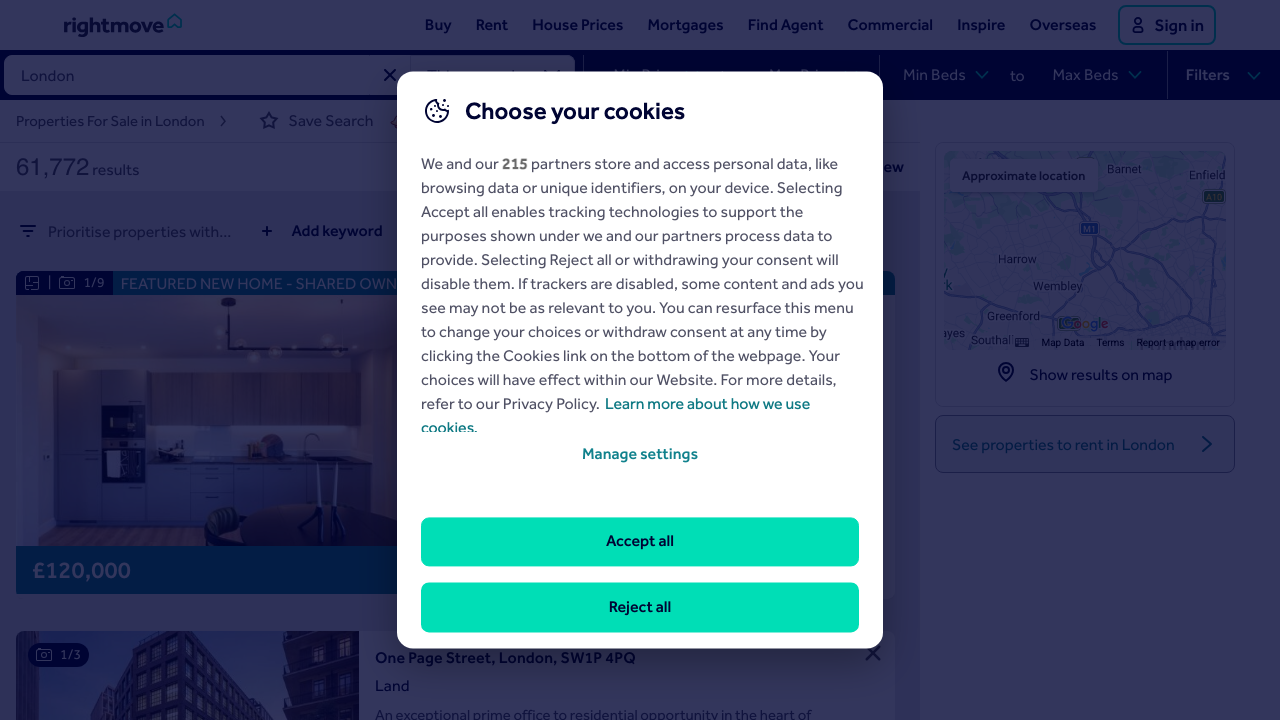
We’ll also capture a screenshot of the pages we’re scraping so you have a visual reference while maintaining selectors.
Property sites are high-value targets and can get flaky at scale. ProxiesAPI gives you a stable, consistent network layer (timeouts, retries, IP rotation) so your crawl doesn’t fall over halfway through a multi-thousand-listing run.
What we’re scraping (high-level)
Rightmove has multiple experiences (sales, rentals, “sold prices”, etc.) and the URL structures can vary.
For this guide we’ll focus on the common pattern:
- a search results page containing many listing cards
- a pagination mechanism (next page / index)
- a details page per listing
Instead of hardcoding one exact endpoint, we’ll implement a scraper that works with a starting results URL you provide.
Important: verify your selectors
Rightmove’s HTML structure changes. The safest workflow is:
- open the target page in your browser
- inspect a listing card
- confirm the CSS selectors match
- run the script on 1 page first
I’ll show selectors that typically exist, but you should treat them as a starting point.
Setup
python -m venv .venv
source .venv/bin/activate
pip install requests beautifulsoup4 lxml pandas tenacity
We’ll use:
requestsfor HTTPBeautifulSoup(lxml)for parsingtenacityfor retriespandasfor CSV export (optional but convenient)
Step 1: A resilient fetch layer (with ProxiesAPI)
Scraping fails most often in the network layer (timeouts, transient 5xx, throttling). So we’ll start by building a fetch function with:
- connection + read timeouts
- retries with exponential backoff
- a “polite” delay between requests
Option A — Plain requests (no proxy)
import random
import time
from dataclasses import dataclass

import requests
from tenacity import retry, stop_after_attempt, wait_exponential, retry_if_exception_type

TIMEOUT = (10, 30)  # connect, read


@dataclass
class FetchConfig:
    base_headers: dict
    min_delay_s: float = 0.8
    max_delay_s: float = 2.2


class Fetcher:
    def __init__(self, cfg: FetchConfig):
        self.cfg = cfg
        self.session = requests.Session()
        self.session.headers.update(cfg.base_headers)

    def _polite_sleep(self):
        time.sleep(random.uniform(self.cfg.min_delay_s, self.cfg.max_delay_s))

    @retry(
        stop=stop_after_attempt(5),
        wait=wait_exponential(multiplier=1, min=2, max=20),
        retry=retry_if_exception_type((requests.RequestException,)),
        reraise=True,
    )
    def get(self, url: str) -> str:
        self._polite_sleep()
        r = self.session.get(url, timeout=TIMEOUT)
        r.raise_for_status()
        return r.text


fetcher = Fetcher(
    FetchConfig(
        base_headers={
            "User-Agent": (
                "Mozilla/5.0 (Macintosh; Intel Mac OS X 10_15_7) "
                "AppleWebKit/537.36 (KHTML, like Gecko) "
                "Chrome/122.0.0.0 Safari/537.36"
            ),
            "Accept-Language": "en-GB,en;q=0.9",
        }
    )
)
Option B — Route requests through ProxiesAPI
ProxiesAPI typically works by giving you a proxy endpoint/credentials you plug into requests.
Because credentials differ per account, we’ll keep it configurable via environment variables:
PROXIESAPI_HTTP_PROXY(example:http://USER:PASS@gw.proxiesapi.com:8080)PROXIESAPI_HTTPS_PROXY
import os

PROXY_HTTP = os.getenv("PROXIESAPI_HTTP_PROXY")
PROXY_HTTPS = os.getenv("PROXIESAPI_HTTPS_PROXY")

if PROXY_HTTP or PROXY_HTTPS:
    fetcher.session.proxies.update({
        "http": PROXY_HTTP,
        "https": PROXY_HTTPS or PROXY_HTTP,
    })
    print("Proxies enabled")
else:
    print("Proxies disabled (direct requests)")
This is the only part you need to change to flip between direct mode and proxied mode.
Step 2: Parse listing cards from a results page
Rightmove results pages typically contain listing cards with:
- address
- price / price guide
- link to details
- number of bedrooms
- short description / property type
We’ll parse the HTML with BeautifulSoup and use selectors that are commonly present. If a selector fails, the script will still emit partial records.
import re
from urllib.parse import urljoin
from bs4 import BeautifulSoup

BASE = "https://www.rightmove.co.uk"


def clean_text(x: str | None) -> str | None:
    if not x:
        return None
    return re.sub(r"\s+", " ", x).strip()


def parse_results_page(html: str, page_url: str) -> list[dict]:
    soup = BeautifulSoup(html, "lxml")

    cards = []

    # Common pattern: cards are in elements with data-testid or specific classes.
    # If this selector returns 0, inspect the page and adjust.
    for card in soup.select('[data-testid="propertyCard"], div.propertyCard'):
        a = card.select_one('a[href*="/properties/"]')
        href = a.get("href") if a else None
        detail_url = urljoin(BASE, href) if href else None

        address = None
        addr_el = card.select_one('[data-testid="address"], address')
        if addr_el:
            address = clean_text(addr_el.get_text(" ", strip=True))

        price = None
        price_el = card.select_one('[data-testid="price"], .propertyCard-priceValue')
        if price_el:
            price = clean_text(price_el.get_text(" ", strip=True))

        beds = None
        beds_el = card.select_one('[data-testid="bedrooms"], .property-information > span')
        if beds_el:
            beds = clean_text(beds_el.get_text(" ", strip=True))

        summary = None
        summary_el = card.select_one('[data-testid="summary"], .propertyCard-summary')
        if summary_el:
            summary = clean_text(summary_el.get_text(" ", strip=True))

        cards.append({
            "address": address,
            "price": price,
            "beds_raw": beds,
            "summary": summary,
            "detail_url": detail_url,
            "results_page_url": page_url,
        })

    return cards
Quick sanity check
START_URL = "PASTE_YOUR_RIGHTMOVE_RESULTS_URL_HERE"
html = fetcher.get(START_URL)
items = parse_results_page(html, START_URL)
print("cards:", len(items))
print(items[0] if items else None)
Step 3: Pagination (crawl multiple result pages)
Rightmove pagination varies. Sometimes there’s a “next” link, sometimes an index parameter.
We’ll implement a robust approach:
- look for a
rel="next"link - else look for an anchor with “Next” text
- else stop
from bs4 import BeautifulSoup


def find_next_page(html: str, current_url: str) -> str | None:
    soup = BeautifulSoup(html, "lxml")

    # 1) rel=next
    link = soup.select_one('link[rel="next"], a[rel="next"]')
    if link:
        href = link.get("href")
        if href:
            return urljoin(current_url, href)

    # 2) anchor that looks like Next
    a = soup.find("a", string=re.compile(r"\bNext\b", re.I))
    if a and a.get("href"):
        return urljoin(current_url, a.get("href"))

    return None


def crawl_results(start_url: str, max_pages: int = 5) -> list[dict]:
    all_rows: list[dict] = []
    url = start_url

    for i in range(1, max_pages + 1):
        html = fetcher.get(url)
        batch = parse_results_page(html, url)
        print(f"page {i}: {len(batch)} cards")

        all_rows.extend(batch)

        next_url = find_next_page(html, url)
        if not next_url:
            break
        url = next_url

    return all_rows
Step 4 (Optional): Enrich each listing from the details page
If you want sold-price history, full description text, agent name, EPC rating, etc., you usually need the details page.
Here’s a minimal details parser that tries to extract:
- property title
- long description
- key features
def parse_details_page(html: str, url: str) -> dict:
    soup = BeautifulSoup(html, "lxml")

    title = None
    h1 = soup.select_one("h1")
    if h1:
        title = clean_text(h1.get_text(" ", strip=True))

    desc = None
    desc_el = soup.select_one('[data-testid="description"], #description, .property-detail-description')
    if desc_el:
        desc = clean_text(desc_el.get_text(" ", strip=True))

    features = []
    for li in soup.select('[data-testid="key-features"] li, .key-features li'):
        t = clean_text(li.get_text(" ", strip=True))
        if t:
            features.append(t)

    return {
        "detail_url": url,
        "detail_title": title,
        "detail_description": desc,
        "detail_features": features,
    }
Enrichment crawl (with de-duplication):
import json


def enrich(rows: list[dict], max_details: int = 50) -> list[dict]:
    out = []
    seen = set()

    for row in rows:
        u = row.get("detail_url")
        if not u or u in seen:
            continue
        seen.add(u)

        if len(out) >= max_details:
            break

        html = fetcher.get(u)
        extra = parse_details_page(html, u)
        out.append({**row, **extra})

    return out


rows = crawl_results(START_URL, max_pages=3)
rows = enrich(rows, max_details=30)
print("enriched:", len(rows))
print(json.dumps(rows[0], indent=2)[:800])
Step 5: Export to CSV + JSONL
import json
import pandas as pd


def export(rows: list[dict], stem: str = "rightmove_sold_prices"):
    # JSONL (streamable)
    jsonl_path = f"{stem}.jsonl"
    with open(jsonl_path, "w", encoding="utf-8") as f:
        for r in rows:
            f.write(json.dumps(r, ensure_ascii=False) + "\n")

    # CSV (analysis-friendly)
    df = pd.DataFrame(rows)
    csv_path = f"{stem}.csv"
    df.to_csv(csv_path, index=False)

    print("wrote", jsonl_path, "and", csv_path, "rows:", len(rows))


export(rows)
Practical notes (so your crawl survives)
- Start small: 1 page → validate selectors → then scale.
- Cache HTML: write response bodies to disk keyed by URL hash so re-runs don’t re-fetch.
- Respect rate limits: 1–2 req/sec with jitter is often enough.
- Rotate IPs only when needed: proxies aren’t magic; stable sessions + conservative throughput win.
QA checklist
-
cardsis non-zero on page 1 - addresses and detail URLs look right (spot-check 10)
- pagination stops naturally (no loops)
- details enrichment returns text for at least a few listings
- exports open cleanly in Excel / Pandas
Where ProxiesAPI fits (honestly)
If you only scrape a couple pages once, you might not need a proxy.
But if you’re building a repeatable dataset pipeline (daily/weekly runs across multiple areas), ProxiesAPI helps keep your job stable by:
- reducing failures from IP-based throttling
- giving you a consistent proxy interface across targets
- making retries less painful (new IP/session when needed)
The core idea is simple: keep your parsing code focused on HTML structure, and let ProxiesAPI handle the messy network realities.
Property sites are high-value targets and can get flaky at scale. ProxiesAPI gives you a stable, consistent network layer (timeouts, retries, IP rotation) so your crawl doesn’t fall over halfway through a multi-thousand-listing run.