
Scrape Secondhand Fashion Listings from Vinted
Vinted is a useful marketplace to scrape when you need secondhand pricing data, brand coverage, or image catalogs for resale research. The trick is not the HTML itself. The trick is understanding where the listing data actually lives.
On the public search page, Vinted streams a large Next.js payload into the response. That payload contains the listing records, pagination metadata, and image URLs you want. Instead of guessing brittle CSS selectors for every card, you can parse the structured data first and keep HTML selectors only as a fallback.
This guide walks through a practical flow:
- fetch a Vinted search page
- extract the embedded listing payload
- normalize titles, brands, prices, and image URLs
- paginate through more result pages
- optionally visit detail pages for richer metadata
Marketplace listing pages are easy at small volume and noisy at scale. ProxiesAPI gives you a clean fetch layer so you can add retries, IP rotation, and location control without rewriting your parser.
What we are scraping
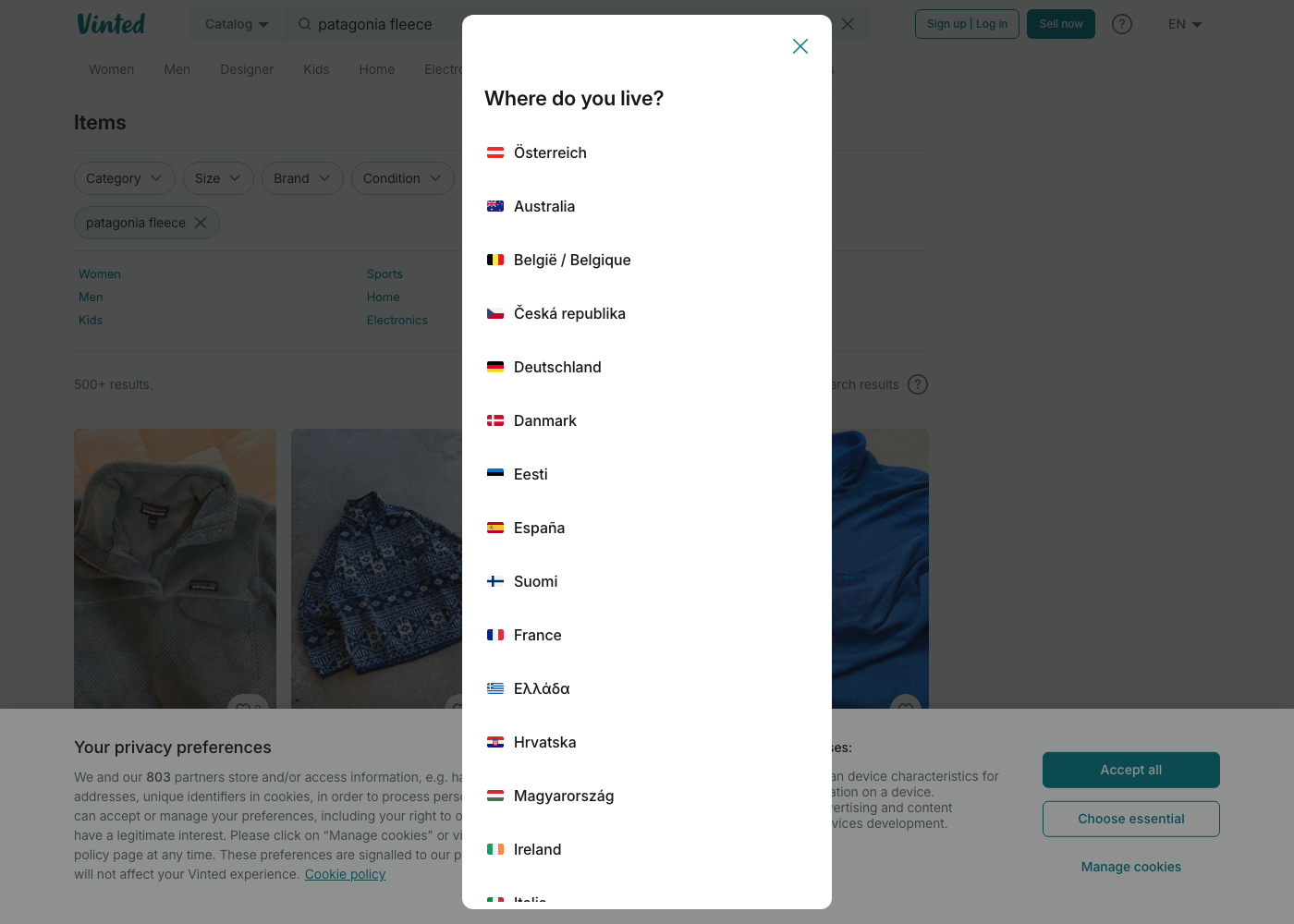
For a query like patagonia fleece, the public catalog URL looks like this:
https://www.vinted.com/catalog?search_text=patagonia%20fleece&page=1
In the returned HTML, Vinted includes:
- listing URLs such as
/items/9214039682-patagonia-fleece-jacket - image URLs from
images1.vinted.net - structured item fields like
title,brand_title,price,size_title, andphoto - pagination fields such as
current_page,total_pages, andper_page
That means a robust scraper should prefer embedded data over scraping every visible text node from the card grid.
Setup
python3 -m venv .venv
source .venv/bin/activate
pip install requests beautifulsoup4 lxml python-dotenv
Put your key in .env:
PROXIESAPI_KEY="YOUR_PROXIESAPI_KEY"
Step 1: Build a fetch layer with optional ProxiesAPI routing
import os
import time
from urllib.parse import quote

import requests
from dotenv import load_dotenv

load_dotenv()

PROXIESAPI_KEY = os.getenv("PROXIESAPI_KEY", "").strip()
TIMEOUT = (10, 30)

HEADERS = {
    "User-Agent": (
        "Mozilla/5.0 (Macintosh; Intel Mac OS X 10_15_7) "
        "AppleWebKit/537.36 (KHTML, like Gecko) "
        "Chrome/126.0.0.0 Safari/537.36"
    ),
    "Accept-Language": "en-US,en;q=0.9",
}


class HttpClient:
    def __init__(self) -> None:
        self.session = requests.Session()
        self.session.headers.update(HEADERS)

    def _wrap_url(self, target_url: str) -> str:
        if not PROXIESAPI_KEY:
            return target_url
        encoded = quote(target_url, safe="")
        return f"https://api.proxiesapi.com/?auth_key={PROXIESAPI_KEY}&url={encoded}"

    def get_html(self, target_url: str, retries: int = 3) -> str:
        last_error = None

        for attempt in range(1, retries + 1):
            try:
                fetch_url = self._wrap_url(target_url)
                response = self.session.get(fetch_url, timeout=TIMEOUT)
                response.raise_for_status()
                return response.text
            except Exception as exc:
                last_error = exc
                time.sleep(min(2 ** attempt, 8))

        raise RuntimeError(f"failed to fetch {target_url}: {last_error}")
The fetch layer stays intentionally boring. That is the point. You want all proxy, retry, and timeout logic in one place so the parser code stays readable.
Step 2: Extract the listing payload from Vinted's streamed page data
Vinted currently renders a very large script payload into the page. One dependable pattern is to locate the first items array followed by the pagination object, then decode just that block.
import json
import re
from urllib.parse import urlencode

BASE = "https://www.vinted.com"

ITEMS_BLOCK_RE = re.compile(
    r'"items":(\[.*?\]),"pagination":(\{.*?\})',
    re.DOTALL,
)


def build_search_url(query: str, page: int = 1) -> str:
    params = {"search_text": query, "page": page}
    return f"{BASE}/catalog?{urlencode(params)}"


def extract_items_payload(html: str) -> tuple[list[dict], dict]:
    match = ITEMS_BLOCK_RE.search(html)
    if not match:
        raise ValueError("could not find Vinted items payload in HTML")

    items = json.loads(match.group(1))
    pagination = json.loads(match.group(2))
    return items, pagination
That regex is deliberately narrow. It does not try to decode all of Vinted's application state. It only grabs the fields we care about for search results.
Step 3: Normalize listing data into a clean dataset
from urllib.parse import urljoin


def normalize_item(item: dict) -> dict:
    price = item.get("price") or {}
    photo = item.get("photo") or {}
    item_box = item.get("item_box") or {}

    return {
        "id": item.get("id") or item_box.get("item_id"),
        "title": item.get("title"),
        "brand": item.get("brand_title"),
        "size": item.get("size_title"),
        "condition": item.get("status"),
        "price": price.get("amount"),
        "currency": price.get("currency_code"),
        "url": urljoin(BASE, item.get("url", "")),
        "image_url": photo.get("url"),
        "favourite_count": item.get("favourite_count"),
        "search_score": (item.get("search_tracking_params") or {}).get("score"),
    }
Now combine fetch + parse + normalization:
def scrape_search_page(query: str, page: int = 1) -> tuple[list[dict], dict]:
    client = HttpClient()
    html = client.get_html(build_search_url(query, page=page))
    raw_items, pagination = extract_items_payload(html)
    rows = [normalize_item(item) for item in raw_items]
    return rows, pagination


rows, meta = scrape_search_page("patagonia fleece", page=1)
print("rows:", len(rows))
print("pagination:", meta)
print(rows[0])
Typical output looks like:
rows: 96
pagination: {'current_page': 1, 'total_pages': 10, 'total_entries': 960, 'per_page': 96, 'time': 1782662581}
{'id': 9214039682, 'title': 'Patagonia fleece jacket', 'brand': 'Patagonia', ...}
Step 4: Paginate politely
def scrape_many_pages(query: str, max_pages: int = 3, pause_seconds: float = 1.5) -> list[dict]:
    client = HttpClient()
    all_rows = []
    seen_ids = set()

    for page in range(1, max_pages + 1):
        html = client.get_html(build_search_url(query, page=page))
        raw_items, pagination = extract_items_payload(html)

        for item in raw_items:
            row = normalize_item(item)
            if row["id"] in seen_ids:
                continue
            seen_ids.add(row["id"])
            all_rows.append(row)

        print(f"page={page} total={len(all_rows)} / pages={pagination['total_pages']}")
        time.sleep(pause_seconds)

        if page >= pagination["total_pages"]:
            break

    return all_rows
This is the point where ProxiesAPI starts to matter. One or two pages is easy. Repeated catalog jobs across many queries, locales, or scheduled runs are where retry-friendly routing pays for itself.
Step 5: Optional detail-page enrichment
Search pages are enough for most price-monitoring or inventory research. If you also want a richer description or additional images, fetch the item page and parse structured tags there.
from bs4 import BeautifulSoup


def parse_detail_page(html: str) -> dict:
    soup = BeautifulSoup(html, "lxml")

    title = None
    title_meta = soup.select_one('meta[property="og:title"]')
    if title_meta:
        title = title_meta.get("content")

    image_meta = soup.select_one('meta[property="og:image"]')
    image_url = image_meta.get("content") if image_meta else None

    description_meta = soup.select_one('meta[name="description"]')
    description = description_meta.get("content") if description_meta else None

    return {
        "title": title,
        "image_url": image_url,
        "description": description,
    }
You do not need browser automation for this workflow unless the page begins hiding core data behind client-side requests or consent flows. Start with raw HTML first.
Export to CSV
import csv


def write_csv(rows: list[dict], path: str) -> None:
    if not rows:
        return

    with open(path, "w", newline="", encoding="utf-8") as fh:
        writer = csv.DictWriter(fh, fieldnames=rows[0].keys())
        writer.writeheader()
        writer.writerows(rows)


rows = scrape_many_pages("patagonia fleece", max_pages=2)
write_csv(rows, "vinted_patagonia_fleece.csv")
Practical notes
- Expect markup drift. Keep the parser centered on structured payloads, not card-level CSS classes.
- Keep the request rate low. Marketplace data is public, but bursty crawls are what trigger defenses.
- Log page counts and duplicate IDs. That catches soft failures before they corrupt your dataset.
- Treat images as metadata unless you truly need the binaries. Storing image URLs is much cheaper.
If your use case is resale analytics, this pattern scales well: search page for breadth, detail page for enrichment, CSV or JSON for downstream analysis.
Marketplace listing pages are easy at small volume and noisy at scale. ProxiesAPI gives you a clean fetch layer so you can add retries, IP rotation, and location control without rewriting your parser.