
Scrape Craigslist Listings by Category and City
Craigslist is still one of the cleanest places to learn practical scraping. Search pages are mostly server-rendered, pagination is explicit, and the fields you actually want for analysis are easy to describe: title, price, neighborhood, posting time, and URL.
In this guide we will build a Python scraper that:
- accepts any Craigslist city and category
- walks paginated search results
- extracts listing metadata into structured rows
- deduplicates by canonical listing URL
- exports clean CSV output
- optionally routes requests through ProxiesAPI without rewriting the parser
Craigslist is mostly static HTML, but the failure rate still rises once you fan out across dozens of city/category combinations. ProxiesAPI gives you a cleaner fetch layer when you need retries and IP rotation.
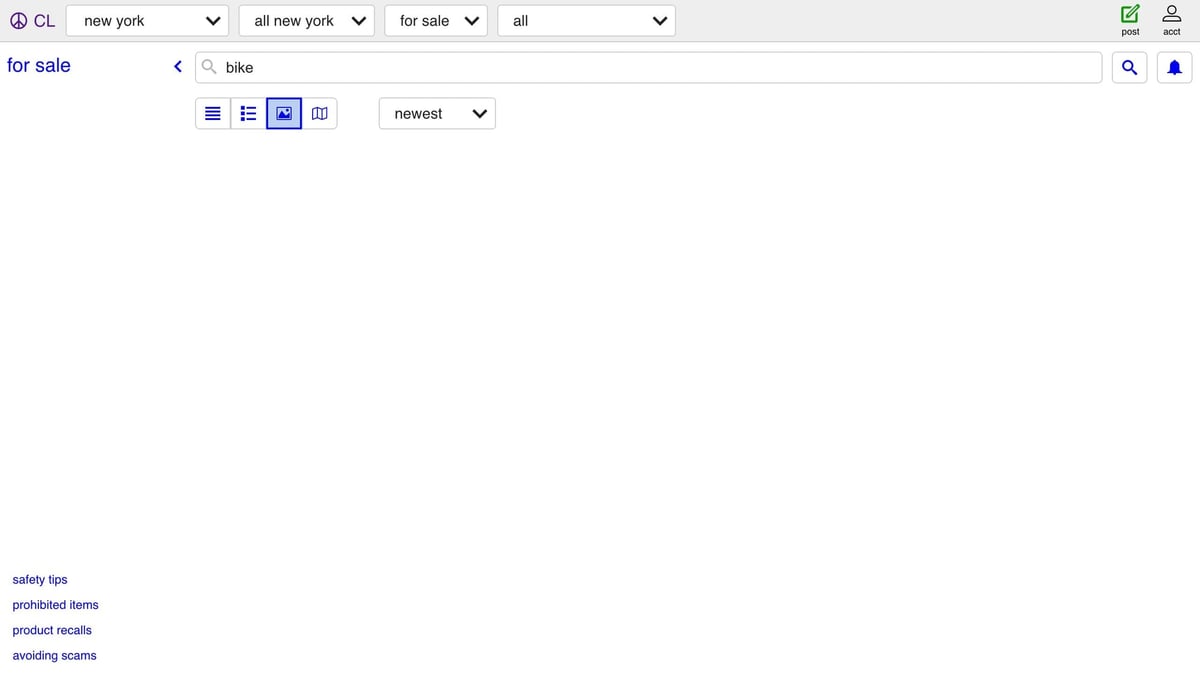
What Craigslist search pages look like
The main URL pattern is:
- city base:
https://{city}.craigslist.org - category path:
/search/{category} - query string:
?query=bike - page offset:
&s=120
Example:
https://sfbay.craigslist.org/search/sss?query=bike&s=120
Craigslist has used two closely related result layouts over time, so it is worth parsing both:
- newer static cards:
li.cl-static-search-result - older cards:
li.result-row
The most useful sub-elements are usually:
- title:
.titleora.result-title - price:
.priceor.result-price - neighborhood:
.locationor.result-hood - timestamp:
time[datetime]
That fallback logic is the difference between a tutorial that works for one page and a scraper you can keep alive.
Setup
python3 -m venv .venv
source .venv/bin/activate
pip install requests beautifulsoup4 lxml
We will keep the scraper split into fetch -> parse -> crawl -> export. That makes it easier to test and also makes ProxiesAPI a tiny change instead of a rewrite.
Step 1: Build a fetch layer with optional ProxiesAPI
import os
import random
import time
from dataclasses import dataclass
from typing import Optional
from urllib.parse import quote

import requests

UA_POOL = [
    "Mozilla/5.0 (Macintosh; Intel Mac OS X 10_15_7) AppleWebKit/537.36 (KHTML, like Gecko) Chrome/126.0 Safari/537.36",
    "Mozilla/5.0 (Windows NT 10.0; Win64; x64) AppleWebKit/537.36 (KHTML, like Gecko) Chrome/126.0 Safari/537.36",
]


def proxiesapi_url(target_url: str) -> str:
    key = os.environ.get("PROXIESAPI_KEY")
    if not key:
        return target_url
    return f"http://api.proxiesapi.com/?auth_key={quote(key)}&url={quote(target_url, safe='')}"


@dataclass(frozen=True)
class FetchConfig:
    timeout: tuple[int, int] = (10, 30)
    max_retries: int = 4
    base_sleep: float = 0.8


class Fetcher:
    def __init__(self, config: FetchConfig = FetchConfig()):
        self.config = config
        self.session = requests.Session()

    def get(self, url: str) -> str:
        last_error: Optional[Exception] = None
        for attempt in range(1, self.config.max_retries + 1):
            try:
                final_url = proxiesapi_url(url)
                response = self.session.get(
                    final_url,
                    timeout=self.config.timeout,
                    headers={"User-Agent": random.choice(UA_POOL)},
                )
                response.raise_for_status()
                return response.text
            except Exception as exc:
                last_error = exc
                if attempt == self.config.max_retries:
                    break
                time.sleep(self.config.base_sleep * (2 ** (attempt - 1)) + random.random() * 0.25)
        raise last_error or RuntimeError("fetch failed")
If PROXIESAPI_KEY is not set, the fetcher hits Craigslist directly. Once you start scaling across many city/category/query combinations, you can enable ProxiesAPI at the fetch layer and leave the parser alone.
Step 2: Build Craigslist search URLs
from urllib.parse import urlencode


def build_search_url(*, city: str, category: str, query: str, offset: int = 0) -> str:
    base = f"https://{city}.craigslist.org"
    params = {"query": query}
    if offset:
        params["s"] = str(offset)
    return f"{base}/search/{category}?{urlencode(params)}"
Useful category codes:
sssfor saleapaapartments / housingjjjjobszipfree stuff
That means one scraper can cover very different workflows just by changing parameters.
Step 3: Parse result cards defensively
from urllib.parse import urljoin
from bs4 import BeautifulSoup


def clean_text(value: str | None) -> str | None:
    if value is None:
        return None
    text = " ".join(value.split()).strip()
    return text or None


def parse_results(html: str, *, base_url: str) -> list[dict]:
    soup = BeautifulSoup(html, "lxml")

    rows = soup.select("li.cl-static-search-result")
    if not rows:
        rows = soup.select("li.result-row")

    results: list[dict] = []
    for row in rows:
        link = row.select_one("a[href]")
        title_el = row.select_one(".title") or row.select_one("a.result-title")
        price_el = row.select_one(".price") or row.select_one(".result-price")
        loc_el = row.select_one(".location") or row.select_one(".result-hood")
        time_el = row.select_one("time[datetime]")

        url = link.get("href") if link else None
        if url and url.startswith("/"):
            url = urljoin(base_url, url)

        results.append(
            {
                "title": clean_text(title_el.get_text(" ", strip=True) if title_el else None),
                "price": clean_text(price_el.get_text(" ", strip=True) if price_el else None),
                "neighborhood": clean_text(loc_el.get_text(" ", strip=True) if loc_el else None),
                "posted_at": time_el.get("datetime") if time_el else None,
                "url": url,
            }
        )

    return results
The reason to prefer multiple selectors is simple: Craigslist sometimes exposes slightly different markup depending on the category, the city, and which page template you hit.
Step 4: Crawl pages and deduplicate rows
Craigslist pagination is offset-based, usually stepping by 120 results.
def crawl(city: str, category: str, query: str, pages: int = 3, page_size: int = 120) -> list[dict]:
    fetcher = Fetcher()
    base_url = f"https://{city}.craigslist.org"
    seen_urls: set[str] = set()
    rows: list[dict] = []

    for page_number in range(pages):
        offset = page_number * page_size
        url = build_search_url(city=city, category=category, query=query, offset=offset)
        html = fetcher.get(url)
        batch = parse_results(html, base_url=base_url)

        for item in batch:
            listing_url = item.get("url")
            if not listing_url or listing_url in seen_urls:
                continue
            seen_urls.add(listing_url)
            rows.append(item)

        if not batch:
            break

    return rows
Deduping by URL matters because listings can be reshuffled or repeated across adjacent pages when inventory is changing in real time.
Step 5: Export a CSV
import csv


def write_csv(path: str, rows: list[dict]) -> None:
    fieldnames = ["title", "price", "neighborhood", "posted_at", "url"]
    with open(path, "w", newline="", encoding="utf-8") as f:
        writer = csv.DictWriter(f, fieldnames=fieldnames)
        writer.writeheader()
        for row in rows:
            writer.writerow({key: row.get(key) for key in fieldnames})


if __name__ == "__main__":
    rows = crawl(city="sfbay", category="sss", query="bike", pages=3)
    print(f"scraped {len(rows)} unique rows")
    write_csv("craigslist_bikes.csv", rows)
    print("wrote craigslist_bikes.csv")
Typical uses for this dataset:
- local market tracking
- used-goods price monitoring
- apartment listing snapshots
- lead generation for niche directories
Practical tips before you scale
- Start with one city and one category until the parser is stable.
- Keep concurrency low. Craigslist is lightweight, but a polite crawl still wins.
- Cache raw HTML while developing so you are not repeatedly hitting live pages.
- Expect missing fields. Some posts have no price or neighborhood.
- Turn on ProxiesAPI only when you actually need the extra resilience.
Craigslist is a good reminder that a scraper does not need to be fancy to be useful. If your selectors are honest, your fetch layer retries sanely, and your rows are clean, you already have something production-shaped.
Craigslist is mostly static HTML, but the failure rate still rises once you fan out across dozens of city/category combinations. ProxiesAPI gives you a cleaner fetch layer when you need retries and IP rotation.