
Scrape eBay Listings and Prices
eBay search results are one of the most useful datasets you can scrape for commerce research.
With a single search page you can collect:
- listing titles
- asking prices
- item URLs
- shipping or condition hints
- pagination links for a larger dataset
That is enough to power lightweight use cases like:
- reseller research
- competitor monitoring
- watchlists for a product niche
- price snapshots over time
The catch is that eBay is not a "curl it once and ship it" target. Direct requests often return error pages or rate-limit responses, especially if you paginate aggressively. So the right way to structure the scraper is:
- keep the parser simple
- isolate fetch logic in one client
- add ProxiesAPI when direct traffic starts failing
In this guide you'll build a Python scraper that:
- fetches eBay search result pages
- extracts titles, prices, and item URLs
- follows pagination
- exports a clean CSV
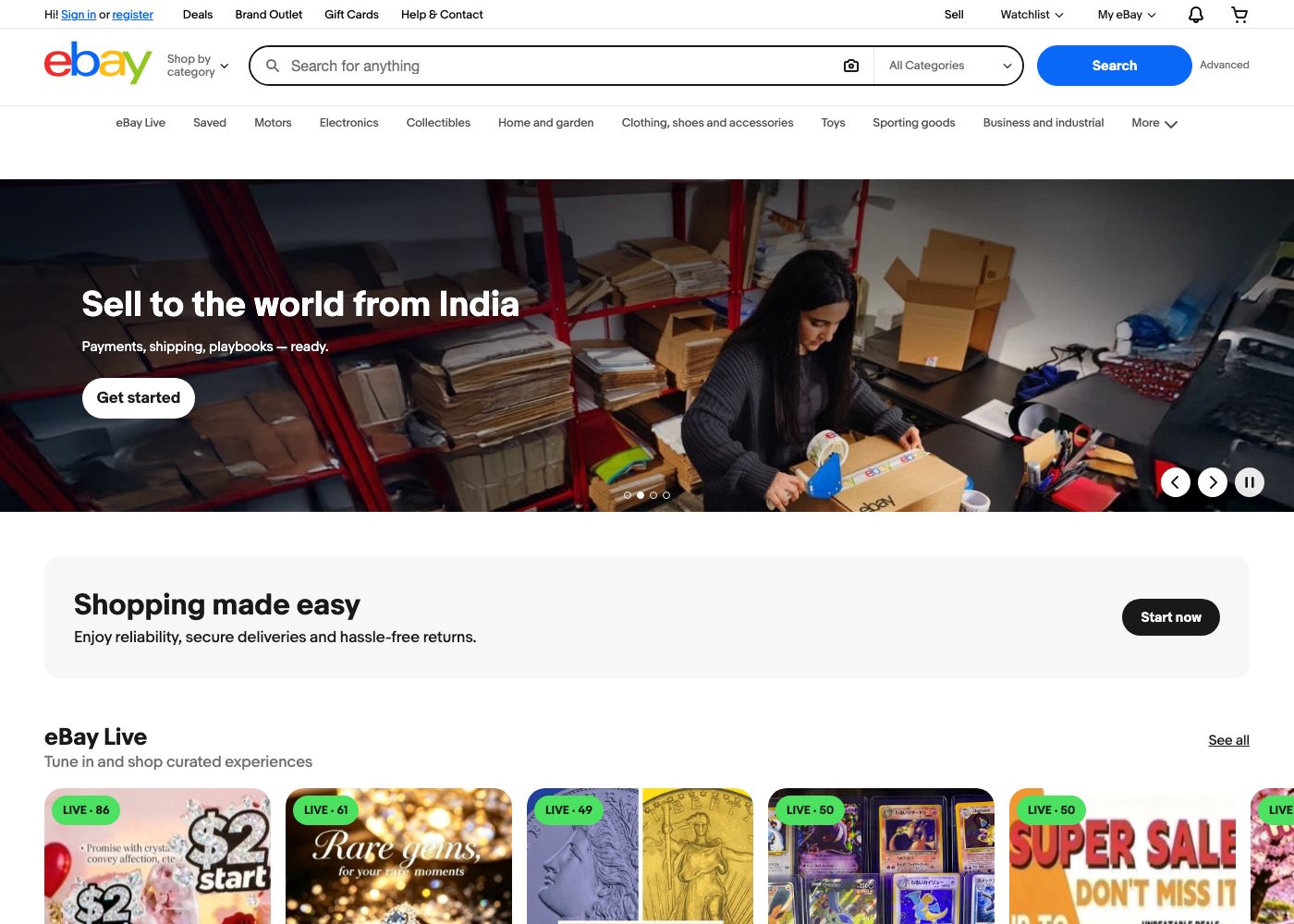
eBay search pages work until they suddenly don't. ProxiesAPI gives you a cleaner fetch layer so retries, pagination, and exports keep running when direct requests start returning challenge pages.
What we're scraping
For a search such as kindle paperwhite, eBay uses URLs like:
https://www.ebay.com/sch/i.html?_nkw=kindle+paperwhite&_sacat=0
Pagination usually adds _pgn:
https://www.ebay.com/sch/i.html?_nkw=kindle+paperwhite&_sacat=0&_pgn=2
In the rendered results page, each listing is typically represented by a card under:
- list container:
ul.srp-results - listing card:
li.s-card - title link:
a.s-card__link - title text:
div.s-card__title - price text:
.s-card__price
Those selectors are stable enough to build a practical scraper, but the network layer is where most failures show up.
Setup
python3 -m venv .venv
source .venv/bin/activate
pip install requests beautifulsoup4 lxml python-dotenv
Put your key in .env:
PROXIESAPI_KEY="YOUR_PROXIESAPI_KEY"
Step 1: Build a fetch layer with optional ProxiesAPI routing
The parser should not care whether you fetched the page directly or through a proxy endpoint.
from __future__ import annotations

import os
import time
from urllib.parse import quote

import requests
from dotenv import load_dotenv

load_dotenv()

PROXIESAPI_KEY = os.getenv("PROXIESAPI_KEY", "").strip()
TIMEOUT = (10, 30)

HEADERS = {
    "User-Agent": (
        "Mozilla/5.0 (Macintosh; Intel Mac OS X 10_15_7) "
        "AppleWebKit/537.36 (KHTML, like Gecko) "
        "Chrome/126.0.0.0 Safari/537.36"
    ),
    "Accept-Language": "en-US,en;q=0.9",
}


class EbayClient:
    def __init__(self) -> None:
        self.session = requests.Session()
        self.session.headers.update(HEADERS)

    def _wrap_url(self, target_url: str) -> str:
        if not PROXIESAPI_KEY:
            return target_url
        encoded = quote(target_url, safe="")
        return (
            "https://api.proxiesapi.com/"
            f"?auth_key={PROXIESAPI_KEY}&url={encoded}"
        )

    def get_html(self, target_url: str, retries: int = 3) -> str:
        last_error = None

        for attempt in range(1, retries + 1):
            try:
                fetch_url = self._wrap_url(target_url)
                response = self.session.get(fetch_url, timeout=TIMEOUT)
                response.raise_for_status()
                return response.text
            except Exception as exc:
                last_error = exc
                time.sleep(min(2 ** attempt, 8))

        raise RuntimeError(f"failed to fetch {target_url}: {last_error}")
If direct requests work for your query volume, great. If they start returning robot checks or 403 pages, you only change the fetch URL, not the parser.
Step 2: Build search URLs
from urllib.parse import urlencode


def build_search_url(query: str, page: int = 1) -> str:
    params = {
        "_nkw": query,
        "_sacat": 0,
    }
    if page > 1:
        params["_pgn"] = page
    return "https://www.ebay.com/sch/i.html?" + urlencode(params)
Examples:
print(build_search_url("kindle paperwhite"))
print(build_search_url("kindle paperwhite", page=3))
Step 3: Parse listing cards into structured rows
from bs4 import BeautifulSoup


def clean_text(value: str | None) -> str | None:
    if not value:
        return None
    value = " ".join(value.split())
    return value or None


def parse_search_results(html: str) -> list[dict]:
    soup = BeautifulSoup(html, "lxml")
    rows: list[dict] = []

    for card in soup.select("ul.srp-results > li.s-card"):
        link = card.select_one("a.s-card__link[href]")
        title_el = card.select_one("div.s-card__title")
        price_el = card.select_one(".s-card__price")
        shipping_el = card.select_one(".s-card__logisticsCost, .s-card__shipping")
        condition_el = card.select_one("div.s-card__subtitle")

        url = link.get("href") if link else None
        title = clean_text(title_el.get_text(" ", strip=True) if title_el else None)
        price_text = clean_text(price_el.get_text(" ", strip=True) if price_el else None)
        shipping_text = clean_text(
            shipping_el.get_text(" ", strip=True) if shipping_el else None
        )
        condition_text = clean_text(
            condition_el.get_text(" ", strip=True) if condition_el else None
        )

        if not url or not title or not price_text:
            continue

        rows.append(
            {
                "title": title,
                "price_text": price_text,
                "shipping_text": shipping_text,
                "condition_text": condition_text,
                "item_url": url,
            }
        )

    return rows
Why this parser works well:
- it anchors on the main listing card class
- it skips placeholder cards without core fields
- it captures raw price text exactly as shown, which is safer than guessing a numeric parser too early
Step 4: Crawl multiple pages
def crawl_query(query: str, max_pages: int = 3, pause_seconds: float = 1.5) -> list[dict]:
    client = EbayClient()
    all_rows = []
    seen_urls = set()

    for page in range(1, max_pages + 1):
        html = client.get_html(build_search_url(query, page=page))
        batch = parse_search_results(html)

        for row in batch:
            url = row["item_url"]
            if url in seen_urls:
                continue
            seen_urls.add(url)
            row["page"] = page
            row["query"] = query
            all_rows.append(row)

        print(f"page={page} batch={len(batch)} total={len(all_rows)}")
        time.sleep(pause_seconds)

    return all_rows


rows = crawl_query("kindle paperwhite", max_pages=2)
print(rows[0])
Typical output:
page=1 batch=60 total=60
page=2 batch=60 total=118
{'title': 'Amazon Kindle Paperwhite 11th Gen 8GB', 'price_text': '$69.99', 'item_url': 'https://www.ebay.com/itm/...', 'page': 1, 'query': 'kindle paperwhite'}
Step 5: Export CSV-ready output
import csv


def write_csv(path: str, rows: list[dict]) -> None:
    if not rows:
        raise ValueError("no rows to write")

    fieldnames = [
        "query",
        "page",
        "title",
        "price_text",
        "shipping_text",
        "condition_text",
        "item_url",
    ]

    with open(path, "w", newline="", encoding="utf-8") as f:
        writer = csv.DictWriter(f, fieldnames=fieldnames)
        writer.writeheader()
        writer.writerows(rows)


rows = crawl_query("kindle paperwhite", max_pages=3)
write_csv("ebay_listings.csv", rows)
print(f"wrote {len(rows)} rows")
At this point you have a dataset that is ready for:
- spreadsheet analysis
- price dashboards
- listing alerts
- niche catalog research
Step 6: Add a few production-minded safeguards
The basic version is enough to get started, but these upgrades matter quickly:
1. Save raw HTML on failures
When eBay changes markup or returns a challenge page, save the response body and inspect it before changing selectors.
2. Parse numbers later
Keep price_text as raw display text in the first pass. Later you can normalize:
- currency symbol
- numeric amount
- price ranges like
$59.99 to $79.99
3. Respect pacing
Even with a proxy layer, hammering pagination is a good way to burn through retries and look suspicious.
4. Expect occasional markup drift
Class names on marketplace pages are not API contracts. Build small parser helpers and keep the extraction surface narrow.
Where ProxiesAPI fits
ProxiesAPI is not magic parsing dust. It does not tell you which selector to use. What it does is solve the repetitive network problems that start showing up once you move from "I ran this once" to "this scraper runs every day."
That means:
- fewer blocked requests
- cleaner retry behavior
- less time babysitting IP rotation
So the winning architecture is simple:
- parser logic in one module
- fetch logic in one client
- ProxiesAPI only at the network edge
That separation keeps your eBay scraper easier to debug and much easier to scale.
If you want to track listings daily, monitor competitor inventory, or build your own price watchlist, this is the shape of scraper you want: boring fetch layer, predictable parser, clean CSV output.
eBay search pages work until they suddenly don't. ProxiesAPI gives you a cleaner fetch layer so retries, pagination, and exports keep running when direct requests start returning challenge pages.