
Scrape Google Scholar Papers with Python
Google Scholar is useful because the page already gives you the first layer of paper metadata you usually need:
- title
- result URL
- authors line
- source / venue line
- preview snippet
That is enough to build a lightweight research dataset, track a topic over time, or seed a later enrichment pipeline.
The hard part is not parsing the fields. The hard part is fetching Scholar carefully enough that you do not trip rate limits immediately.
Mandatory screenshot of the target site:
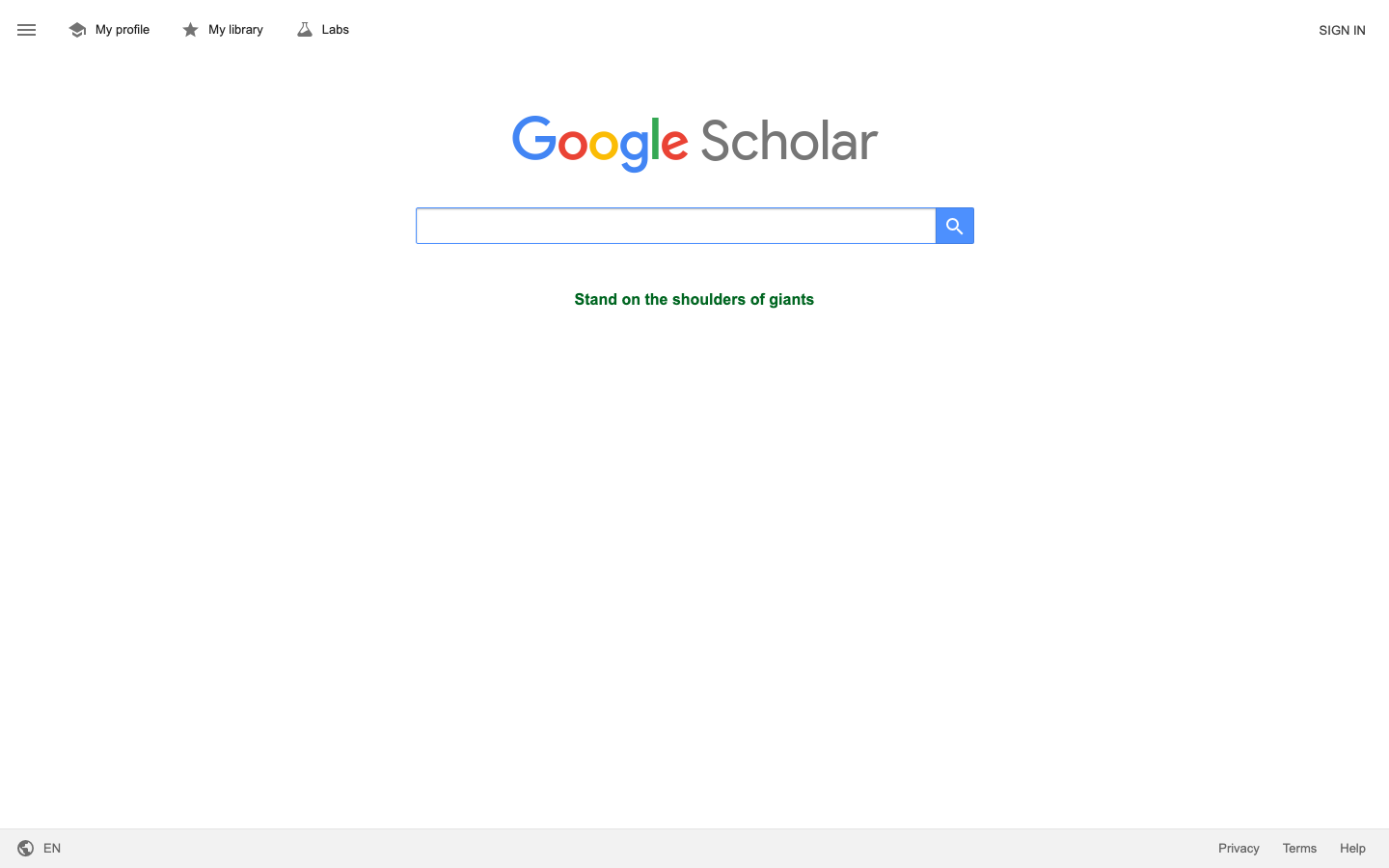
Google Scholar is one of the easiest places to hit soft blocks. ProxiesAPI helps when you need steadier HTML fetches, but careful pacing still matters more than brute force.
What we are scraping
For a query like:
https://scholar.google.com/scholar?q=transformer+models&hl=en
Google Scholar returns result blocks with a predictable structure:
div.gs_r.gs_or.gs_sclfor each resulth3.gs_rtfor the title areadiv.gs_afor authors and source textdiv.gs_rsfor the preview snippetdiv.gs_fl afor footer links likeCited by
Those selectors have been widely documented by scraping guides and match the visible page structure today. In practice, Google may still return a challenge page instead of results, so the scraper below treats small or unusual HTML as a failed fetch.
Important: this tutorial only covers public result pages. Keep volumes small, add delays, and expect occasional blocks.
Setup
python3 -m venv .venv
source .venv/bin/activate
pip install requests beautifulsoup4 lxml pandas
We will use:
requestsfor HTTPBeautifulSoupfor parsingpandasfor CSV export
Step 1: Build a careful fetch layer
Google Scholar often responds with a challenge page before it responds with a hard error code. That means 200 OK is not enough. We need:
- a real browser-like user agent
- timeouts
- exponential backoff with jitter
- a sanity check for challenge HTML
from __future__ import annotations

import os
import random
import time
from urllib.parse import quote, urlencode

import requests

TIMEOUT = (10, 30)
PROXIESAPI_KEY = os.getenv("PROXIESAPI_KEY", "")

session = requests.Session()
session.headers.update(
    {
        "User-Agent": (
            "Mozilla/5.0 (Macintosh; Intel Mac OS X 10_15_7) "
            "AppleWebKit/537.36 (KHTML, like Gecko) "
            "Chrome/126.0.0.0 Safari/537.36"
        ),
        "Accept-Language": "en-US,en;q=0.9",
    }
)


def build_proxiesapi_url(target_url: str) -> str:
    return "https://api.proxiesapi.com/?" + urlencode(
        {
            "auth_key": PROXIESAPI_KEY,
            "url": target_url,
        }
    )


def fetch_html(url: str, *, use_proxiesapi: bool = False, attempts: int = 5) -> str:
    last_error = None

    for attempt in range(1, attempts + 1):
        try:
            target = build_proxiesapi_url(url) if use_proxiesapi else url
            response = session.get(target, timeout=TIMEOUT)
            response.raise_for_status()

            html = response.text
            lowered = html.lower()

            # Scholar often returns a challenge page with 200 OK.
            if "detected unusual traffic" in lowered or "please try your request again later" in lowered:
                raise RuntimeError("Google Scholar returned a challenge page")

            if "gs_res_ccl_mid" not in html and "div class=\"gs_r\"" not in html:
                raise RuntimeError("Scholar result markup not found in response")

            return html
        except Exception as exc:
            last_error = exc
            sleep_for = min(45, 2 ** (attempt - 1)) + random.random()
            time.sleep(sleep_for)

    raise RuntimeError(f"fetch failed for {url}: {last_error}")
This is where ProxiesAPI fits: it does not make Scholar magically unlimited, but it can give you a cleaner network path for low-volume collection jobs.
Step 2: Parse titles, authors, snippets, and links
import re
from bs4 import BeautifulSoup


YEAR_RE = re.compile(r"\b(19\d{2}|20\d{2})\b")


def parse_result_page(html: str) -> list[dict]:
    soup = BeautifulSoup(html, "lxml")
    rows = []

    for card in soup.select("div.gs_r.gs_or.gs_scl"):
        title_node = card.select_one("h3.gs_rt")
        link_node = title_node.select_one("a") if title_node else None

        title = title_node.get_text(" ", strip=True) if title_node else None
        result_url = link_node.get("href") if link_node else None

        meta_node = card.select_one("div.gs_a")
        meta_text = meta_node.get_text(" ", strip=True) if meta_node else ""

        snippet_node = card.select_one("div.gs_rs")
        snippet = snippet_node.get_text(" ", strip=True) if snippet_node else None

        cited_by = 0
        for footer_link in card.select("div.gs_fl a"):
            text = footer_link.get_text(" ", strip=True)
            if text.lower().startswith("cited by"):
                cited_by = int(re.search(r"\d+", text).group()) if re.search(r"\d+", text) else 0

        authors = None
        source = None
        year = None

        if meta_text and " - " in meta_text:
            authors, source = meta_text.split(" - ", 1)
        elif meta_text:
            authors = meta_text

        year_match = YEAR_RE.search(meta_text)
        if year_match:
            year = int(year_match.group(1))

        rows.append(
            {
                "title": title,
                "result_url": result_url,
                "authors": authors,
                "source_line": source,
                "snippet": snippet,
                "cited_by": cited_by,
                "year": year,
            }
        )

    return rows
The useful thing about this layout is that you can keep the dataset honest. We are only collecting what is visible on the page, not inventing extra metadata that may or may not exist.
Step 3: Paginate results ten at a time
Scholar uses the start= query parameter:
- page 1:
start=0 - page 2:
start=10 - page 3:
start=20
from urllib.parse import urlencode

BASE_URL = "https://scholar.google.com/scholar"


def build_search_url(query: str, start: int = 0) -> str:
    return BASE_URL + "?" + urlencode({"q": query, "hl": "en", "start": start})


def crawl_query(query: str, *, pages: int = 3, use_proxiesapi: bool = False) -> list[dict]:
    all_rows = []

    for page_number in range(pages):
        start = page_number * 10
        url = build_search_url(query, start=start)
        html = fetch_html(url, use_proxiesapi=use_proxiesapi)
        batch = parse_result_page(html)

        print(f"page={page_number + 1} results={len(batch)}")
        all_rows.extend(batch)

        # Slow down on purpose. Scholar is not a site to hammer.
        time.sleep(random.uniform(6.0, 10.0))

        if not batch:
            break

    return all_rows
Step 4: Export to CSV
import pandas as pd


def save_csv(rows: list[dict], path: str = "scholar_papers.csv") -> None:
    df = pd.DataFrame(rows)
    df = df.drop_duplicates(subset=["title", "result_url"])
    df.to_csv(path, index=False)


if __name__ == "__main__":
    papers = crawl_query("transformer models", pages=3, use_proxiesapi=False)
    save_csv(papers)
    print(f"saved {len(papers)} rows")
Typical output:
page=1 results=10
page=2 results=10
page=3 results=10
saved 30 rows
Practical checks before you trust the data
Spot-check at least five rows and verify:
- the title matches the page text
- the author line is not a truncated challenge page fragment
- the result URL is present for normal paper links
cited_byis zero only when the page actually omits it
Scholar pages sometimes contain:
- PDF links
- book results
- citation-only entries
- cluster links with slightly different footers
So do not assume every result has the exact same shape.
When to enable ProxiesAPI
Use direct requests when you are:
- testing selectors
- collecting one or two result pages
- iterating locally
Enable ProxiesAPI when you are:
- running repeated topic pulls
- working from a network that gets challenged quickly
- scheduling collection jobs that need a steadier fetch layer
The code stays the same because the proxy decision happens inside fetch_html().
Common failure modes
| Symptom | Likely cause | Fix |
|---|---|---|
200 OK but no gs_r cards | Challenge page instead of results | Detect the HTML and back off |
| Very small HTML response | Bot check, consent page, or redirect | Reject tiny responses and retry |
| Empty snippets | Scholar layout change or partial cards | Inspect live HTML before changing parser |
| Frequent blocks after page 2 | Crawl pace too aggressive | Increase delays and lower volume |
Final thoughts
Scraping Google Scholar works best when you treat it as a fragile collection job, not an unlimited search API.
If your goal is a compact paper dataset, the visible result cards are enough:
- titles
- result links
- authors
- source text
- snippets
Start with tiny runs, validate the CSV, then add ProxiesAPI only when the network layer becomes the bottleneck instead of the parser.
Google Scholar is one of the easiest places to hit soft blocks. ProxiesAPI helps when you need steadier HTML fetches, but careful pacing still matters more than brute force.