
Scrape UK Property Prices from Rightmove (Dataset Builder)
Rightmove is one of the best sources for UK property market data — but it’s also the kind of site where scrapers get unreliable fast if you don’t treat networking like a first‑class problem.
In this guide you’ll build a dataset builder that:
- crawls Rightmove search results (pagination)
- extracts listing URLs + IDs
- visits each listing page (details)
- parses real HTML (no guessed selectors)
- retries cleanly (with timeouts + backoff)
- exports a tidy CSV you can analyze
We’ll use Python + BeautifulSoup for parsing, and ProxiesAPI for a resilient request layer.
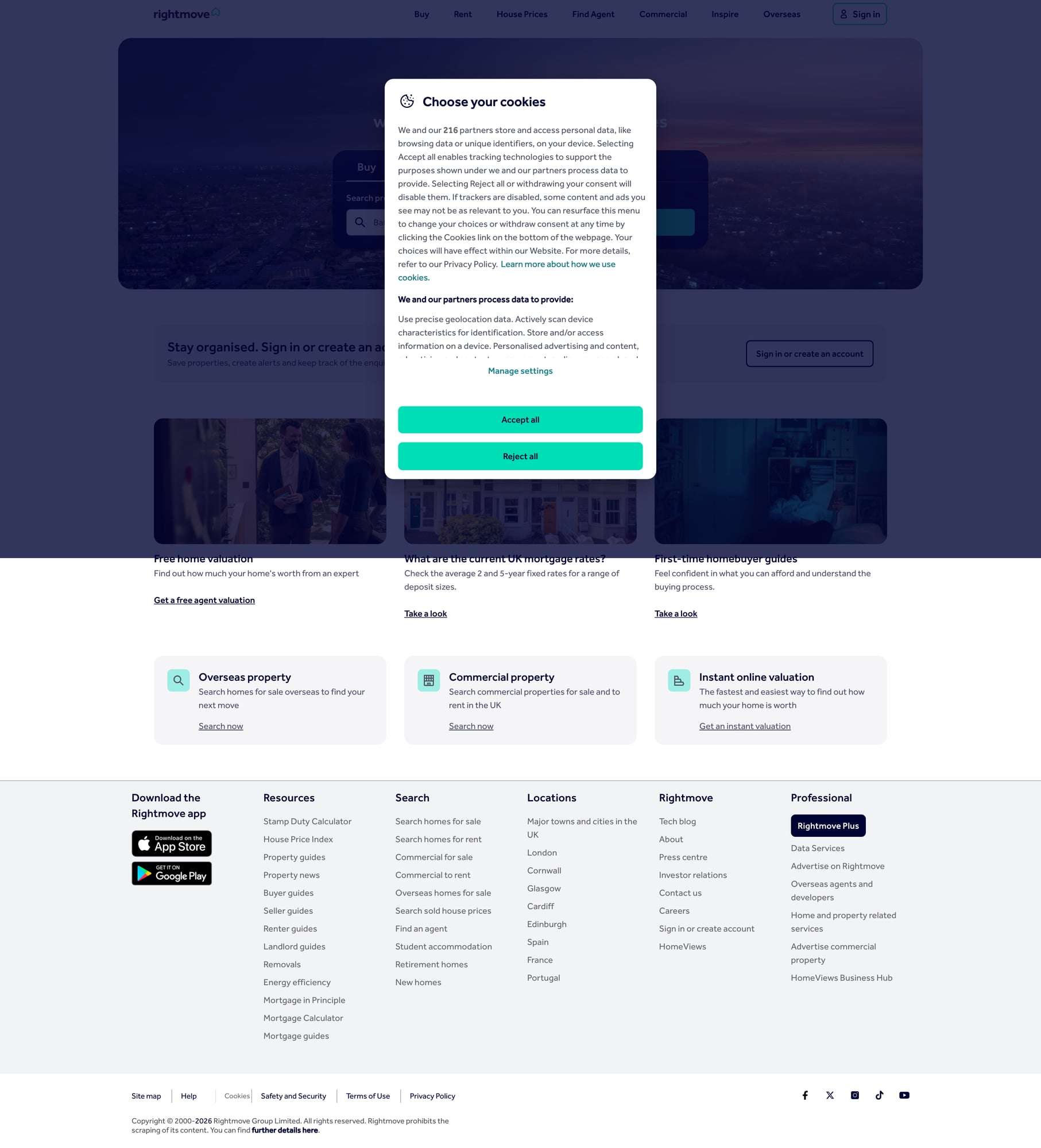
Rightmove is a high-traffic target where request patterns matter. ProxiesAPI helps you rotate IPs, keep sessions consistent when needed, and reduce flaky blocks as you scale your dataset.
What we’re scraping (Rightmove structure)
Rightmove has multiple sections (for sale, to rent, sold prices, etc.). The exact HTML and URL parameters can change over time, so the key is to:
- Start from a real search URL you can load in a normal browser
- Inspect the results page markup and identify listing links
- Follow listing pages and extract stable fields
For this tutorial we’ll target a Sold Prices / results‑style page and then fetch details.
A note on legality + load
- Respect robots/ToS for your use case.
- Keep request rate reasonable.
- Cache results; don’t re-download pages unnecessarily.
Setup
python -m venv .venv
source .venv/bin/activate
pip install requests beautifulsoup4 lxml tenacity python-dotenv
We’ll use:
requestsfor HTTPBeautifulSoup(lxml)to parsetenacityfor retries (cleaner than hand-rolled loops)
ProxiesAPI request wrapper (timeouts, retries, headers)
This is the part that keeps your scraper from dying at scale.
You’ll need a ProxiesAPI key in your environment:
export PROXIESAPI_KEY="YOUR_KEY"
Here’s a practical wrapper. ProxiesAPI’s exact endpoint/params depend on your account plan and product surface, so treat the build_proxiesapi_url() function as the integration point.
import os
import time
import random
import urllib.parse
import requests
from tenacity import retry, stop_after_attempt, wait_exponential_jitter

PROXIESAPI_KEY = os.environ.get("PROXIESAPI_KEY")
TIMEOUT = (10, 35)  # connect, read

session = requests.Session()

UA_POOL = [
    "Mozilla/5.0 (Macintosh; Intel Mac OS X 10_15_7) AppleWebKit/537.36 (KHTML, like Gecko) Chrome/124.0 Safari/537.36",
    "Mozilla/5.0 (X11; Linux x86_64) AppleWebKit/537.36 (KHTML, like Gecko) Chrome/124.0 Safari/537.36",
    "Mozilla/5.0 (Windows NT 10.0; Win64; x64) AppleWebKit/537.36 (KHTML, like Gecko) Chrome/124.0 Safari/537.36",
]


def build_proxiesapi_url(target_url: str) -> str:
    """Build the ProxiesAPI request URL for a given target.

    Replace this with the exact ProxiesAPI format you use (query param, path-based, etc.).
    The goal: ProxiesAPI fetches the target page and returns the HTML.
    """
    if not PROXIESAPI_KEY:
        raise RuntimeError("Missing PROXIESAPI_KEY in environment")

    # Example pattern (adjust to ProxiesAPI docs for your account):
    # https://api.proxiesapi.com/?auth_key=KEY&url=https%3A%2F%2Fexample.com
    return "https://api.proxiesapi.com/?" + urllib.parse.urlencode(
        {
            "auth_key": PROXIESAPI_KEY,
            "url": target_url,
            # Optional toggles you may have available:
            # "country": "GB",
            # "render": "false",
        }
    )


@retry(stop=stop_after_attempt(5), wait=wait_exponential_jitter(initial=1, max=20))
def fetch_html(url: str) -> str:
    headers = {
        "User-Agent": random.choice(UA_POOL),
        "Accept": "text/html,application/xhtml+xml,application/xml;q=0.9,*/*;q=0.8",
        "Accept-Language": "en-GB,en;q=0.9",
        "Cache-Control": "no-cache",
        "Pragma": "no-cache",
    }

    proxied = build_proxiesapi_url(url)
    r = session.get(proxied, headers=headers, timeout=TIMEOUT)

    # If ProxiesAPI returns non-200, treat as retryable.
    r.raise_for_status()

    # Some proxy layers return a JSON envelope; if yours does, parse it here.
    return r.text
Why this structure works:
- timeouts stop “hang forever” failure
- exponential backoff + jitter avoids hammering
- rotating UAs reduces fingerprint consistency
Step 1: Start from a real Rightmove search URL
Create a search in your browser (location + filters) and copy the URL.
Example (you should replace this with your real query URL):
SEARCH_URL = "https://www.rightmove.co.uk/house-prices.html" # placeholder
Rightmove result pages typically paginate via parameters like index/page or internal navigation. Your first job is to discover the next page link in HTML.
Step 2: Parse listing links from results
On Rightmove results pages, listing cards usually contain anchors to a property/detail page.
We’ll extract:
listing_urllisting_id(if present in URL)
import re
from bs4 import BeautifulSoup
from urllib.parse import urljoin

BASE = "https://www.rightmove.co.uk"


def extract_listing_id(url: str) -> str | None:
    # Common pattern: .../properties/123456789
    m = re.search(r"/properties/(\d+)", url)
    return m.group(1) if m else None


def parse_results(html: str) -> tuple[list[dict], str | None]:
    soup = BeautifulSoup(html, "lxml")

    listings: list[dict] = []

    # Selector strategy:
    # 1) prefer stable URL pattern /properties/
    # 2) avoid brittle classnames that change frequently
    for a in soup.select("a[href*='/properties/']"):
        href = a.get("href")
        if not href:
            continue
        abs_url = urljoin(BASE, href)
        lid = extract_listing_id(abs_url)
        if not lid:
            continue

        listings.append({
            "listing_id": lid,
            "listing_url": abs_url,
        })

    # Deduplicate (results pages often repeat links)
    seen = set()
    uniq = []
    for item in listings:
        if item["listing_id"] in seen:
            continue
        seen.add(item["listing_id"])
        uniq.append(item)

    # Find “next” link (implementation varies). Try rel=next then fallback.
    next_link = None

    rel_next = soup.select_one("a[rel='next']")
    if rel_next and rel_next.get("href"):
        next_link = urljoin(BASE, rel_next["href"])
    else:
        # Fallback: anchor text contains Next
        for a in soup.select("a"):
            if a.get_text(" ", strip=True).lower() in {"next", "next page"} and a.get("href"):
                next_link = urljoin(BASE, a["href"])
                break

    return uniq, next_link
This approach trades “perfect” selectors for robustness.
Step 3: Parse fields from a listing page
Now the fun part: extract the fields your dataset needs.
Typical useful fields:
- address
- property type
- sold price (if present)
- sold date (if present)
- agent/branch (if present)
The exact HTML varies by Rightmove page type. Instead of guessing CSS classnames, look for:
- JSON-LD (
application/ld+json) - embedded JSON state blobs
- semantically-labeled text blocks
Here’s a pragmatic parser that:
- tries JSON-LD first
- falls back to text selectors
import json
from bs4 import BeautifulSoup


def parse_jsonld(soup: BeautifulSoup) -> dict | None:
    script = soup.select_one("script[type='application/ld+json']")
    if not script:
        return None
    try:
        return json.loads(script.get_text(strip=True))
    except Exception:
        return None


def parse_listing(html: str, url: str) -> dict:
    soup = BeautifulSoup(html, "lxml")

    data = {
        "url": url,
        "listing_id": extract_listing_id(url),
        "address": None,
        "property_type": None,
        "price": None,
        "currency": "GBP",
        "sold_date": None,
    }

    j = parse_jsonld(soup)
    if isinstance(j, dict):
        # JSON-LD varies; use best-effort keys.
        data["address"] = (
            (j.get("address") or {}).get("streetAddress")
            if isinstance(j.get("address"), dict)
            else j.get("address")
        )
        data["property_type"] = j.get("@type") if isinstance(j.get("@type"), str) else None

    # Fallbacks: title / meta
    if not data["address"]:
        title = soup.select_one("title")
        if title:
            data["address"] = title.get_text(" ", strip=True)[:200]

    # Price: try common patterns in page text (best-effort)
    txt = soup.get_text("\n", strip=True)
    # Example pattern: £350,000
    import re
    m = re.search(r"£\s?([0-9,]+)", txt)
    if m:
        data["price"] = int(m.group(1).replace(",", ""))

    # Sold date (if present)
    m2 = re.search(r"Sold\s+on\s+(\d{1,2}\s+\w+\s+\d{4})", txt, re.IGNORECASE)
    if m2:
        data["sold_date"] = m2.group(1)

    return data
This looks “loose” — and that’s intentional. For many real-world sites, the only stable strategy is:
- use semantic blobs (JSON-LD / embedded JSON) when available
- otherwise extract from text with conservative regex and spot-check
Once you’ve run a few pages, you’ll tighten selectors based on what Rightmove actually returns for your query.
Step 4: Crawl results → fetch details → export CSV
import csv
from urllib.parse import urlparse


def crawl(search_url: str, max_pages: int = 5, max_listings: int = 200) -> list[dict]:
    out: list[dict] = []
    seen_ids: set[str] = set()

    url = search_url
    page = 0

    while url and page < max_pages and len(out) < max_listings:
        page += 1
        html = fetch_html(url)
        batch, next_url = parse_results(html)

        print(f"results page {page}: listings={len(batch)}")

        for item in batch:
            lid = item["listing_id"]
            if lid in seen_ids:
                continue
            seen_ids.add(lid)

            detail_html = fetch_html(item["listing_url"])
            record = parse_listing(detail_html, item["listing_url"])
            out.append(record)

            if len(out) >= max_listings:
                break

        url = next_url

    return out


def export_csv(rows: list[dict], path: str) -> None:
    if not rows:
        raise ValueError("No rows to write")

    fieldnames = list(rows[0].keys())
    with open(path, "w", encoding="utf-8", newline="") as f:
        w = csv.DictWriter(f, fieldnames=fieldnames)
        w.writeheader()
        w.writerows(rows)


if __name__ == "__main__":
    SEARCH_URL = "PASTE_YOUR_RIGHTMOVE_SEARCH_URL_HERE"
    rows = crawl(SEARCH_URL, max_pages=3, max_listings=50)
    export_csv(rows, "rightmove_sold_prices.csv")
    print("wrote rightmove_sold_prices.csv", len(rows))
QA checklist (don’t skip)
- open 3 random
listing_urls in your browser and confirm the extracted price/address are sane - ensure your
fetch_html()has timeouts and retries (it does) - keep
max_pagessmall while iterating
Common failure modes (and fixes)
1) Pagination breaks
If next_url is always None, the rel="next" link may not exist. Inspect the results HTML and update parse_results() to match Rightmove’s current next-button markup.
2) Listing links are missing
Rightmove sometimes uses different URL formats per page type. Update the listing link selector to include those patterns (e.g. a[href*='property'] variants).
3) Your output is empty or fields are None
This usually means:
- you’re scraping a page that requires JS rendering
- you’re getting a bot-block page
Check by saving the HTML to disk and opening it.
Where ProxiesAPI fits (honestly)
Rightmove is not a “hello world” target. Even if individual requests work, the dataset builder pattern hits many URLs quickly:
- results pages
- listing pages
ProxiesAPI helps you keep that crawl stable by providing a proxy layer designed for repeated fetches. The scraper code above isolates that concern so you can scale without rewriting your parser.
Next upgrades
- add persistent caching (SQLite keyed by
listing_id) - store raw HTML snapshots for debugging
- add structured extraction by identifying Rightmove’s JSON state object if present
- incremental updates: re-crawl results and only fetch new IDs
Rightmove is a high-traffic target where request patterns matter. ProxiesAPI helps you rotate IPs, keep sessions consistent when needed, and reduce flaky blocks as you scale your dataset.