
Scrape TripAdvisor Hotel Reviews with Python (Pagination + Rate Limits)
TripAdvisor is one of the best (and trickiest) sources of hotel reviews:
- lots of structured fields (rating, date, reviewer, trip type)
- consistent URL patterns for review pages
- aggressive anti-bot behavior if you hammer it from one IP
In this tutorial we’ll build a practical Python scraper that:
- fetches a hotel’s review pages using a safe network layer (timeouts, retries)
- parses real review cards into structured data
- paginates across multiple review pages
- exports clean JSON
- shows where ProxiesAPI fits (without overclaiming)
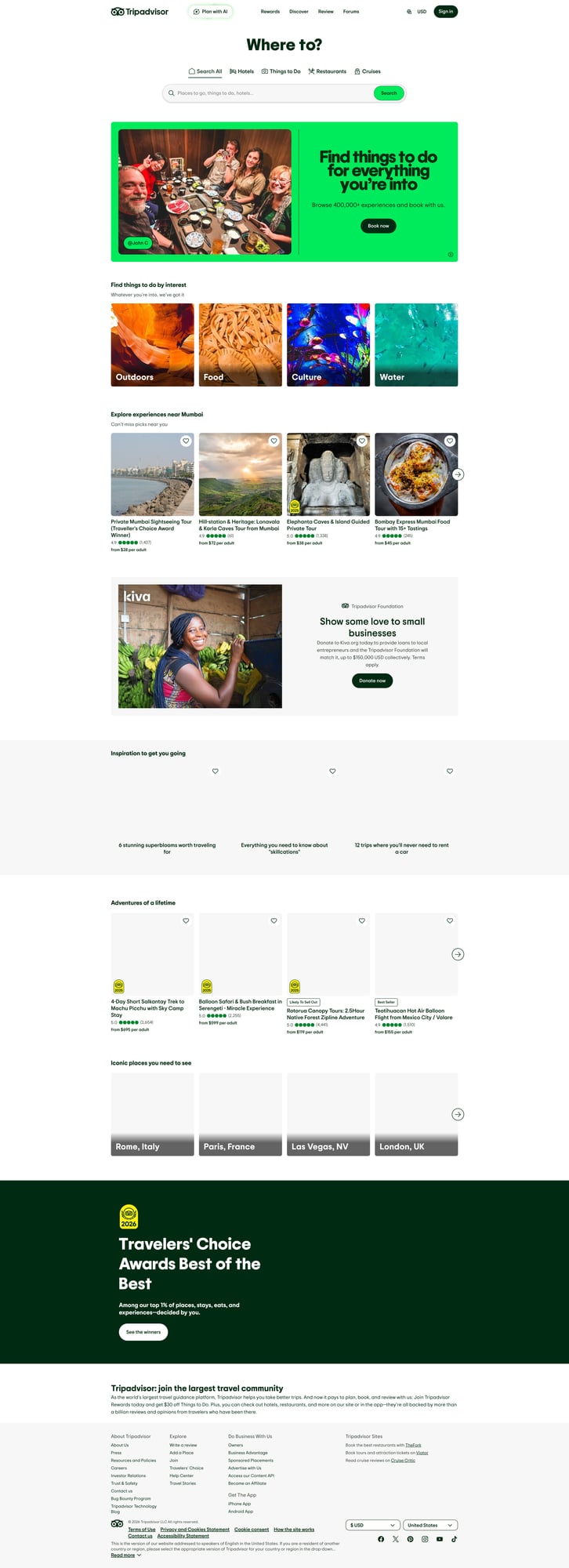
TripAdvisor pages can rate-limit repeated requests from a single IP. ProxiesAPI gives you a proxy-backed fetch URL so your crawler can retry and paginate with fewer sudden blocks.
Important note (structure changes + access)
TripAdvisor is a heavily defended site. Expect changes:
- CSS classes can shift
- some content may be rendered via JS depending on locale/AB tests
- responses can include bot checks or consent flows
That’s why we’ll:
- avoid brittle selectors when possible
- parse by semantic anchors (ARIA labels, stable attributes)
- add detection for “blocked” HTML
This guide focuses on HTML parsing (not browser automation). If your target hotel pages are JS-only in your region, you’ll need a headless browser pipeline.
What we’re scraping (TripAdvisor review fields)
On a typical hotel review page, each review card contains:
- reviewer name
- review title
- review text
- bubble rating (1–5)
- published date
- optional metadata: trip type, room tip, helpful votes, etc.
We’ll extract a normalized subset:
review_idreviewerratingdatetitletexturl
Setup
python3 -m venv .venv
source .venv/bin/activate
pip install requests beautifulsoup4 lxml
Step 1: A resilient fetch layer (with optional ProxiesAPI)
Two rules for scraping defended sites:
- Always use timeouts.
- Retry deliberately (backoff + jitter) and treat blocks as data.
Below is a minimal fetch_html() that supports:
- normal direct requests
- ProxiesAPI-backed requests (by turning the target URL into a proxy “fetch URL”)
Configure ProxiesAPI
Set an environment variable with your ProxiesAPI API key:
export PROXIESAPI_KEY="YOUR_KEY"
Fetch code
import os
import random
import time
import urllib.parse

import requests

TIMEOUT = (10, 35)  # connect, read


def build_proxiesapi_url(target_url: str) -> str:
    """Build a ProxiesAPI fetch URL.

    Note: Parameter names can vary by provider plan.
    If your ProxiesAPI account uses different params, adjust here.
    """
    key = os.environ.get("PROXIESAPI_KEY")
    if not key:
        raise RuntimeError("Missing PROXIESAPI_KEY env var")

    # Common pattern: https://api.proxiesapi.com/?auth_key=...&url=...
    return "https://api.proxiesapi.com/?" + urllib.parse.urlencode({
        "auth_key": key,
        "url": target_url,
    })


def is_likely_blocked(html: str) -> bool:
    h = (html or "").lower()
    return any(s in h for s in [
        "captcha",
        "are you a human",
        "robot",
        "access denied",
        "unusual traffic",
        "verify you are",
    ])


def fetch_html(url: str, *, use_proxiesapi: bool = True, session: requests.Session | None = None) -> str:
    s = session or requests.Session()

    headers = {
        "User-Agent": "Mozilla/5.0 (Macintosh; Intel Mac OS X 10_15_7) AppleWebKit/537.36 (KHTML, like Gecko) Chrome/123 Safari/537.36",
        "Accept-Language": "en-US,en;q=0.9",
    }

    fetch_url = build_proxiesapi_url(url) if use_proxiesapi else url

    last_err = None
    for attempt in range(1, 6):
        try:
            r = s.get(fetch_url, headers=headers, timeout=TIMEOUT)
            r.raise_for_status()
            html = r.text

            if is_likely_blocked(html):
                raise RuntimeError("Blocked page detected (captcha/bot page)")

            return html
        except Exception as e:
            last_err = e
            # exponential backoff with jitter
            sleep_s = min(2 ** attempt, 20) + random.random()
            time.sleep(sleep_s)

    raise RuntimeError(f"Failed to fetch after retries: {last_err}")
Why this matters: when you paginate reviews, you’ll do many requests. Without timeouts/retries, a single slow response can hang your whole run.
Step 2: Find the hotel review URL pattern
TripAdvisor hotel pages often look like:
https://www.tripadvisor.com/Hotel_Review-g60763-d93359-Reviews-Hotel_Name-New_York_City_New_York.html
Review pagination is typically encoded in the path, commonly with an or{offset} segment. For example:
- page 1:
...-Reviews-...html - page 2 (offset 5/10):
...-Reviews-or5-...htmlor...-Reviews-or10-...html
The exact offset step depends on how many reviews the page shows.
We’ll implement pagination by:
- scraping the first page
- generating the next-page URL by inserting
or{offset}into the path
Step 3: Parse review cards (selectors that survive)
TripAdvisor markup changes, so prefer:
data-*attributes when presentaria-labelpatterns for rating- avoiding long chains of classes
Here’s a parser that looks for “review containers” and extracts a stable subset.
import re
from bs4 import BeautifulSoup


def clean_text(s: str) -> str:
    return re.sub(r"\s+", " ", (s or "").strip())


def parse_rating_from_aria(el) -> int | None:
    if not el:
        return None
    aria = (el.get("aria-label") or "").lower()
    # patterns like "5 of 5 bubbles" or "4.0 of 5 bubbles"
    m = re.search(r"(\d+(?:\.\d+)?)\s+of\s+5", aria)
    if not m:
        return None
    return int(float(m.group(1)))


def parse_reviews(html: str, page_url: str) -> list[dict]:
    soup = BeautifulSoup(html, "lxml")

    # Strategy: find review cards by looking for an element that contains a rating aria-label.
    cards = []
    for rating in soup.select('[aria-label*="of 5 bubbles"], [aria-label*="of 5 bubble"]'):
        # bubble rating is inside a review card; walk up a bit.
        card = rating
        for _ in range(6):
            if not card:
                break
            # heuristic: review cards often contain a "Read more" or title/text blocks
            if card.name in ("div", "article"):
                cards.append(card)
                break
            card = card.parent

    # de-duplicate by object id
    uniq = []
    seen = set()
    for c in cards:
        k = id(c)
        if k in seen:
            continue
        seen.add(k)
        uniq.append(c)

    out = []
    for card in uniq:
        rating_el = card.select_one('[aria-label*="of 5 bubbles"], [aria-label*="of 5 bubble"]')
        rating = parse_rating_from_aria(rating_el)

        # title and text: try a few common patterns
        title_el = card.find(["h3", "h2"])
        title = clean_text(title_el.get_text(" ", strip=True)) if title_el else None

        text_el = card.select_one("span, q, div")
        text = clean_text(text_el.get_text(" ", strip=True)) if text_el else ""

        # date: look for a <time> or date-like text
        time_el = card.find("time")
        date = clean_text(time_el.get("datetime") or time_el.get_text(" ", strip=True)) if time_el else None

        reviewer = None
        # reviewer names are often links near the top of the card
        reviewer_el = card.select_one("a[href*='Profile'], a[href*='member'], span")
        if reviewer_el:
            reviewer = clean_text(reviewer_el.get_text(" ", strip=True))

        # Try to get a review id if present
        review_id = None
        for attr in ("data-reviewid", "data-review-id", "id"):
            if card.has_attr(attr):
                review_id = str(card.get(attr))
                break

        # basic sanity: skip tiny/garbage
        if rating is None and len(text) < 40:
            continue

        out.append({
            "review_id": review_id,
            "reviewer": reviewer,
            "rating": rating,
            "date": date,
            "title": title,
            "text": text,
            "url": page_url,
        })

    return out
Selector note: This parser is deliberately heuristic. On defended sites, one perfect selector is a myth; you want a strategy that fails gracefully and is easy to tweak.
Step 4: Paginate reviews
Let’s implement TripAdvisor-style offsets. Many listings show 5–10 reviews per page. We’ll make the step configurable.
import re


def insert_offset(url: str, offset: int) -> str:
    # Insert -Reviews-or{offset}- after "-Reviews-" if not present.
    if "-Reviews-" not in url:
        return url

    # If URL already has -Reviews-orNN-
    if re.search(r"-Reviews-or\d+-", url):
        return re.sub(r"-Reviews-or\d+-", f"-Reviews-or{offset}-", url)

    return url.replace("-Reviews-", f"-Reviews-or{offset}-", 1)


def crawl_reviews(start_url: str, pages: int = 3, page_step: int = 10, use_proxiesapi: bool = True) -> list[dict]:
    s = requests.Session()
    all_reviews: list[dict] = []

    for i in range(pages):
        offset = i * page_step
        url = start_url if offset == 0 else insert_offset(start_url, offset)

        html = fetch_html(url, use_proxiesapi=use_proxiesapi, session=s)
        batch = parse_reviews(html, url)

        print(f"page {i+1}/{pages} -> {len(batch)} reviews")
        all_reviews.extend(batch)

        # polite delay (especially when not using proxies)
        time.sleep(1.0 + random.random())

    return all_reviews
Run it
import json

START = "https://www.tripadvisor.com/Hotel_Review-REPLACE_WITH_REAL_HOTEL_URL.html"

reviews = crawl_reviews(START, pages=5, page_step=10, use_proxiesapi=True)
print("total", len(reviews))

with open("tripadvisor_reviews.json", "w", encoding="utf-8") as f:
    json.dump(reviews, f, ensure_ascii=False, indent=2)

print("wrote tripadvisor_reviews.json")
Troubleshooting (what actually breaks)
1) You get a bot page / captcha
- Reduce request rate (increase delays)
- Add retries (already included)
- Use ProxiesAPI (proxy-backed fetch)
- Rotate user agents cautiously (don’t create an obvious “UA roulette”)
2) You get empty reviews
- Print
html[:500]and confirm you got the actual page - Inspect the page HTML for a stable hook (e.g.,
aria-label,data-test-target) - Adjust
parse_reviews()selectors to your current markup
3) Pagination doesn’t change content
- Confirm the URL offset pattern for your specific hotel page
- Some pages require a consistent locale/currency; add query params or accept-language
Where ProxiesAPI fits (honestly)
TripAdvisor can block repeated requests from one IP.
ProxiesAPI does not “solve scraping” — you still need:
- good parsing logic
- polite request pacing
- retries + timeouts
But it does give you a simpler way to:
- route requests through proxies
- reduce “one-IP” rate limiting failures
- keep long pagination crawls running
QA checklist
- You can fetch page 1 HTML consistently
- You can extract at least 5–10 reviews from page 1
- Pagination changes results (offset pages are different)
- Exported JSON has
rating,date,text - You detect blocks and retry instead of silently writing empty data
TripAdvisor pages can rate-limit repeated requests from a single IP. ProxiesAPI gives you a proxy-backed fetch URL so your crawler can retry and paginate with fewer sudden blocks.