
Scrape Netflix Catalogue Data with Python + ProxiesAPI (Titles, Genres, Availability)
Netflix is notoriously hard to scrape “like a normal website.”
- much of the UI is app-like
- markup varies by region and A/B experiments
- content availability is country-dependent
So what can you reliably do?
You can build a repeatable catalogue snapshot by targeting stable, public-facing surfaces:
- title “browse” / listing pages (when accessible)
- title detail pages (when accessible)
…and writing your scraper to be defensive:
- treat every field as optional
- dedupe aggressively
- keep the fetch layer stable (timeouts, retries, backoff)
In this guide we’ll implement an extractor that produces rows like:
{"title":"Stranger Things","url":"https://www.netflix.com/title/80057281","title_id":"80057281","maturity":"TV-14","genres":["Sci-Fi TV"],"availability_country":"US"}
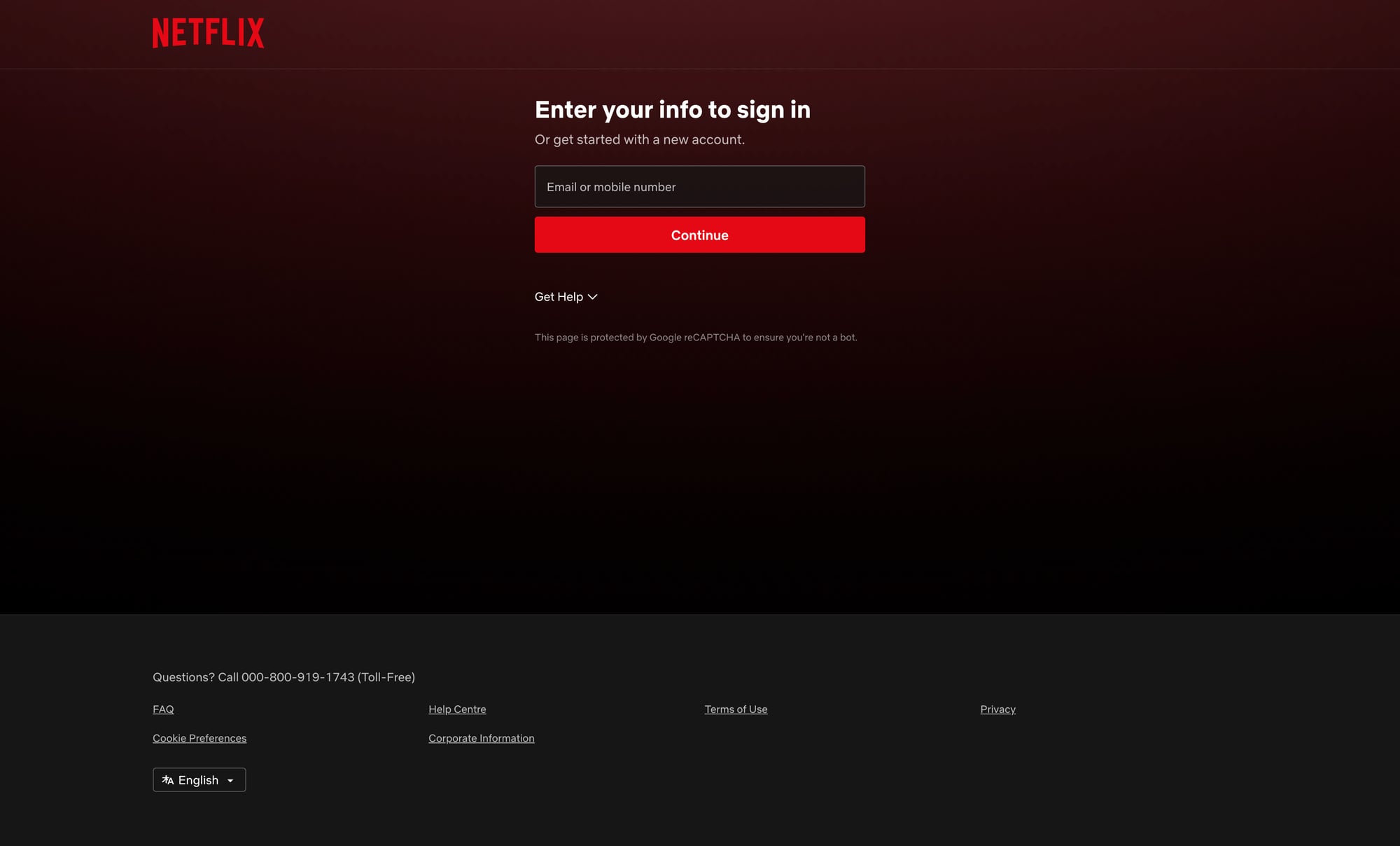
Netflix pages are geo-sensitive and can throttle or vary by region/device. ProxiesAPI helps stabilize your fetches (location consistency, retries, rotation) so your catalogue extractor can run on a schedule.
A reality check (and what we’re not doing)
Netflix actively discourages scraping and can require login, JS execution, and geo checks.
This tutorial does not promise:
- full global catalogue coverage
- perfect genre/maturity extraction for every title
- bypassing paywalls or logged-in walls
Instead, it shows a pattern you can safely reuse:
- fetch a set of listing pages you can access
- extract title IDs + URLs (the stable identifiers)
- optionally enrich each title by visiting its detail page
Setup
python -m venv .venv
source .venv/bin/activate
pip install requests beautifulsoup4 lxml
ProxiesAPI-powered fetch() (single integration point)
import os
import time
import random
import requests

TIMEOUT = (15, 60)
PROXIESAPI_KEY = os.getenv("PROXIESAPI_KEY")

session = requests.Session()


def fetch(url: str, *, country: str | None = None, max_retries: int = 5) -> str:
    """Fetch a URL with retries/backoff.

    ProxiesAPI is used as a network reliability layer.
    Replace parameter names with the exact ProxiesAPI interface you use.
    """
    last_err = None

    headers = {
        "User-Agent": (
            "Mozilla/5.0 (Macintosh; Intel Mac OS X 10_15_7) "
            "AppleWebKit/537.36 (KHTML, like Gecko) "
            "Chrome/122.0 Safari/537.36"
        ),
        "Accept-Language": "en-US,en;q=0.9",
    }

    for attempt in range(1, max_retries + 1):
        try:
            if not PROXIESAPI_KEY:
                raise RuntimeError("Missing PROXIESAPI_KEY env var")

            params = {
                "auth_key": PROXIESAPI_KEY,
                "url": url,
            }
            if country:
                params["country"] = country

            r = session.get(
                "https://api.proxiesapi.com",
                params=params,
                timeout=TIMEOUT,
                headers=headers,
            )
            r.raise_for_status()
            return r.text

        except Exception as e:
            last_err = e
            sleep_s = min(45, (2 ** (attempt - 1)) + random.random())
            time.sleep(sleep_s)

    raise RuntimeError(f"Failed to fetch after {max_retries} retries: {url}") from last_err
Pick target URLs (what to crawl)
Netflix URLs change and may redirect.
Common patterns you might see:
- Browse entry:
https://www.netflix.com/browse - Genre listing:
https://www.netflix.com/browse/genre/<genre_id> - Title detail:
https://www.netflix.com/title/<title_id>
For a catalogue snapshot, the most valuable output is:
- title_id
- title URL
Because you can always enrich later.
We’ll crawl a list of “seed” pages and extract any /title/<id> links.
Step 1: Extract title links from a page
Even when Netflix uses dynamic rendering, title links frequently appear as anchors somewhere in the HTML.
We’ll parse:
- all
a[href*="/title/"] - normalize to absolute URL
- extract numeric ID
import re
from bs4 import BeautifulSoup
from urllib.parse import urljoin

BASE = "https://www.netflix.com"


def extract_title_id(href: str) -> str | None:
    m = re.search(r"/title/(\d+)", href)
    return m.group(1) if m else None


def parse_titles_from_html(html: str) -> list[dict]:
    soup = BeautifulSoup(html, "lxml")

    out = []
    for a in soup.select('a[href*="/title/"]'):
        href = a.get("href")
        if not href:
            continue

        title_id = extract_title_id(href)
        if not title_id:
            continue

        url = href if href.startswith("http") else urljoin(BASE, href)

        # The visible title text isn't always present, but try.
        text = a.get_text(" ", strip=True) or None

        out.append({
            "title_id": title_id,
            "url": url,
            "title": text,
        })

    # Dedupe by title_id
    seen = set()
    uniq = []
    for row in out:
        tid = row["title_id"]
        if tid in seen:
            continue
        seen.add(tid)
        uniq.append(row)

    return uniq
Step 2: Crawl multiple seed pages (defensive + dedupe)
You can build your seed list from:
- a few genre pages you care about
- curated lists (internal)
- your own “watch” categories
def crawl_seeds(seed_urls: list[str], *, country: str = "US") -> list[dict]:
    all_titles = []
    seen = set()

    for i, url in enumerate(seed_urls, start=1):
        html = fetch(url, country=country)
        batch = parse_titles_from_html(html)

        added = 0
        for row in batch:
            tid = row["title_id"]
            if tid in seen:
                continue
            seen.add(tid)
            row["availability_country"] = country
            row["source_url"] = url
            all_titles.append(row)
            added += 1

        print(f"seed {i}/{len(seed_urls)} -> found {len(batch)} titles, added {added}, total {len(all_titles)}")

    return all_titles
Example seeds (replace with pages that are accessible for you):
SEEDS = [
    "https://www.netflix.com/browse",
    # "https://www.netflix.com/browse/genre/83",  # TV Shows (example)
    # "https://www.netflix.com/browse/genre/1365",  # Action & Adventure (example)
]

rows = crawl_seeds(SEEDS, country="US")
print("unique titles:", len(rows))
Step 3 (optional): Enrich a title detail page
If your fetches can access title pages, you can enrich each row.
We’ll extract a few fields when present:
- maturity rating
- genres
- synopsis
Because Netflix uses dynamic scripts, these may not always be available in static HTML. The code below is best-effort and safe when fields are missing.
def enrich_title(row: dict, *, country: str = "US") -> dict:
    url = row["url"]
    html = fetch(url, country=country)
    soup = BeautifulSoup(html, "lxml")

    # These selectors may change; keep them optional.
    maturity = None
    synopsis = None
    genres = []

    # Meta description sometimes includes synopsis-like content
    meta_desc = soup.select_one('meta[name="description"]')
    if meta_desc and meta_desc.get("content"):
        synopsis = meta_desc.get("content").strip() or None

    # Some pages include maturity rating in aria-label or text
    rating_el = soup.find(attrs={"data-uia": re.compile(r"maturity-rating", re.I)})
    if rating_el:
        maturity = rating_el.get_text(" ", strip=True) or None

    # Genres: look for links containing /browse/genre/
    for a in soup.select('a[href*="/browse/genre/"]'):
        g = a.get_text(" ", strip=True)
        if g and g not in genres:
            genres.append(g)

    row = dict(row)
    row.update({
        "maturity": maturity,
        "synopsis": synopsis,
        "genres": genres,
    })
    return row
Export: JSON Lines (stream-friendly)
import json

def write_jsonl(path: str, rows: list[dict]):
    with open(path, "w", encoding="utf-8") as f:
        for r in rows:
            f.write(json.dumps(r, ensure_ascii=False) + "\n")


if __name__ == "__main__":
    seeds = ["https://www.netflix.com/browse"]
    base_rows = crawl_seeds(seeds, country="US")

    # Optional: enrich first N titles
    enriched = []
    for row in base_rows[:50]:
        try:
            enriched.append(enrich_title(row, country="US"))
        except Exception:
            enriched.append(row)

    write_jsonl("netflix_catalogue_us.jsonl", enriched)
    print("wrote", len(enriched))
QA checklist
- You’re consistently using one country for a single dataset run
- You’re deduping by
title_id - Your crawler logs how many titles each seed produces
- You’re handling missing fields (synopsis/genres/maturity) without crashing
- You can re-run daily and diff results (new titles, removals)
Where ProxiesAPI fits (honestly)
Catalogue scraping is less about fancy parsing and more about reliability:
- redirects and geo variance
- occasional throttling
- inconsistent responses across runs
ProxiesAPI helps by letting you keep a consistent location and improving success rates with retries/rotation, so your snapshots don’t randomly fail halfway through.
Netflix pages are geo-sensitive and can throttle or vary by region/device. ProxiesAPI helps stabilize your fetches (location consistency, retries, rotation) so your catalogue extractor can run on a schedule.