
Scrape Government Contract Data from SAM.gov (Opportunities + Details)
SAM.gov is the canonical place to find US government contracting opportunities.
The catch: it’s not a static “one page = one dataset” site. A real pipeline usually looks like:
- query / search
- paginate results
- fetch details per opportunity
- normalize into a clean schema
- export to JSON/CSV (or insert into a DB)
In this guide we’ll build exactly that in Python, using ProxiesAPI to make the network layer resilient.
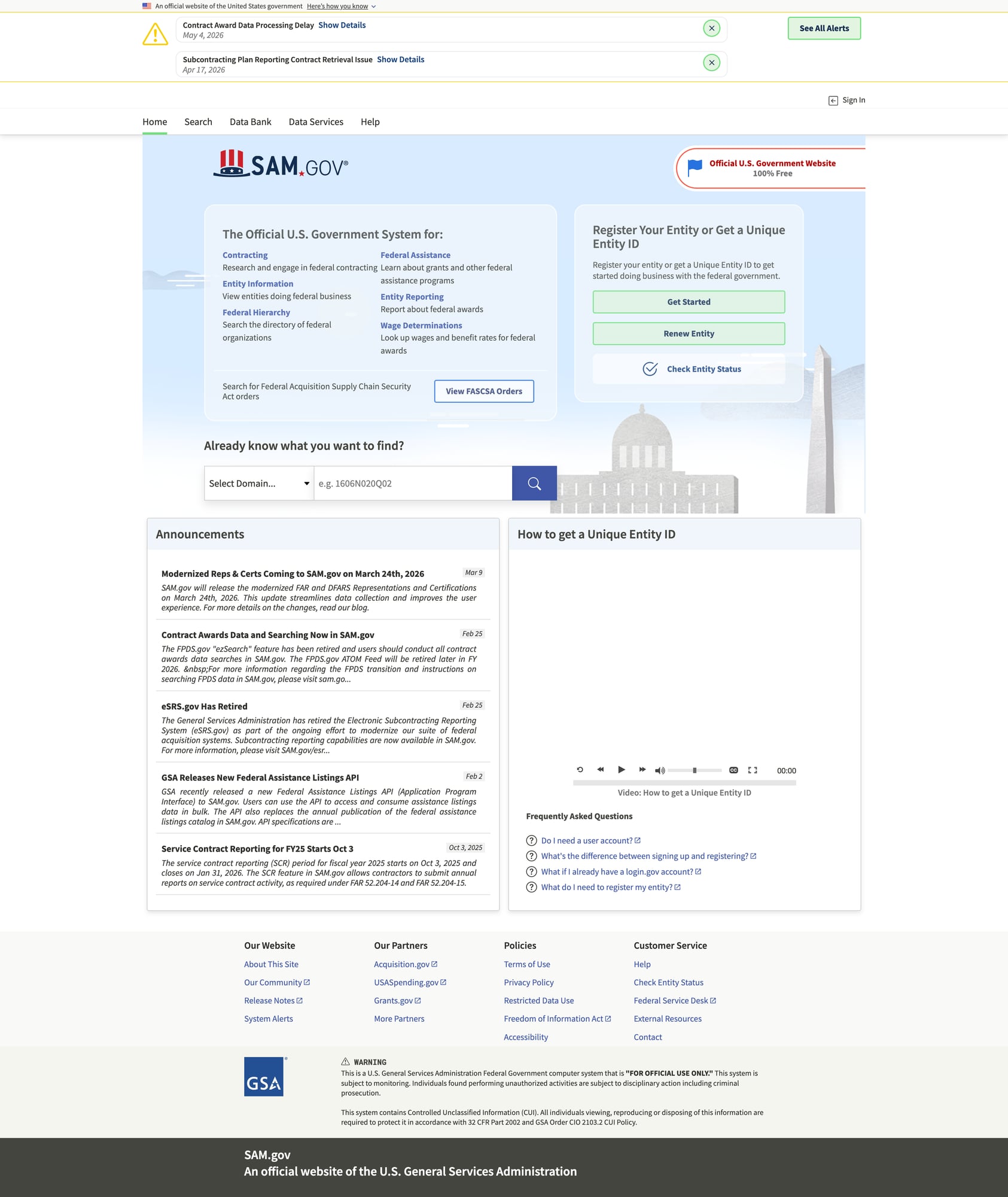
Opportunity search is bursty (many pages + details). ProxiesAPI helps stabilize the request layer with IP rotation and consistent fetch behavior so your scraper can focus on parsing and normalization.
What we’re scraping (shape of the crawl)
At a high level, we want to produce records like:
- notice id
- title
- agency
- posted date
- response deadline
- place of performance
- set-aside / NAICS (if available)
- URL
- detail text/attachments links (if needed)
Depending on SAM.gov’s current implementation, the “search” and “detail” experiences may be:
- server-rendered HTML pages
- HTML pages that call JSON APIs behind the scenes
Best practice: prefer official JSON endpoints if they’re stable and publicly accessible. If not, scrape HTML.
This tutorial shows a hybrid approach:
- start from the search page (so you’re not guessing)
- if you can identify a JSON API call, use it
- otherwise parse HTML with conservative selectors
Setup
python -m venv .venv
source .venv/bin/activate
pip install requests beautifulsoup4 lxml tenacity python-dotenv
ProxiesAPI fetch wrapper (retries + timeouts)
You’ll need a ProxiesAPI key:
export PROXIESAPI_KEY="YOUR_KEY"
import os
import random
import urllib.parse
import requests
from tenacity import retry, stop_after_attempt, wait_exponential_jitter

PROXIESAPI_KEY = os.environ.get("PROXIESAPI_KEY")
TIMEOUT = (10, 40)

session = requests.Session()

UA_POOL = [
    "Mozilla/5.0 (Macintosh; Intel Mac OS X 10_15_7) AppleWebKit/537.36 (KHTML, like Gecko) Chrome/124.0 Safari/537.36",
    "Mozilla/5.0 (Windows NT 10.0; Win64; x64) AppleWebKit/537.36 (KHTML, like Gecko) Chrome/124.0 Safari/537.36",
]


def build_proxiesapi_url(target_url: str) -> str:
    if not PROXIESAPI_KEY:
        raise RuntimeError("Missing PROXIESAPI_KEY")

    # Example format; adjust for your ProxiesAPI plan.
    return "https://api.proxiesapi.com/?" + urllib.parse.urlencode(
        {
            "auth_key": PROXIESAPI_KEY,
            "url": target_url,
            # Optional (if supported):
            # "country": "US",
            # "render": "false",
        }
    )


@retry(stop=stop_after_attempt(6), wait=wait_exponential_jitter(initial=1, max=25))
def fetch(url: str) -> str:
    headers = {
        "User-Agent": random.choice(UA_POOL),
        "Accept": "text/html,application/xhtml+xml,application/xml;q=0.9,*/*;q=0.8",
        "Accept-Language": "en-US,en;q=0.9",
        "Cache-Control": "no-cache",
    }
    r = session.get(build_proxiesapi_url(url), headers=headers, timeout=TIMEOUT)
    r.raise_for_status()
    return r.text
Step 1: Pick a real SAM.gov query URL
Open SAM.gov → search for opportunities with a narrow query.
Examples of filters you might apply:
- keyword: “cybersecurity”
- posted date: last 30 days
- place of performance: a state
Copy the URL from your browser.
You’ll end up with a URL like (placeholder):
SEARCH_URL = "https://sam.gov/search/?index=opp" # replace with your real query URL
Step 2: Extract opportunity links from results
We’ll parse the search results HTML and try to identify links that lead to an opportunity’s detail page.
Because class names on modern web apps can be unstable, the robust approach is:
- look for anchors whose href contains stable tokens (
/opp/,opportunity,notice, etc.) - then validate by fetching one and confirming it contains expected fields
import re
from bs4 import BeautifulSoup
from urllib.parse import urljoin

BASE = "https://sam.gov"


def parse_results(html: str) -> tuple[list[dict], str | None]:
    soup = BeautifulSoup(html, "lxml")

    links = []

    # Best-effort selectors: find anchors likely pointing to opportunity detail pages.
    for a in soup.select("a[href]"):
        href = a.get("href")
        if not href:
            continue

        # Heuristic patterns; adjust after inspecting HTML.
        if any(tok in href for tok in ["/opp/", "opportunity", "notice", "/awards/"]):
            url = urljoin(BASE, href)
            text = a.get_text(" ", strip=True)[:200]
            links.append({"url": url, "anchor": text})

    # Deduplicate by URL
    seen = set()
    out = []
    for x in links:
        if x["url"] in seen:
            continue
        seen.add(x["url"])
        out.append(x)

    # Pagination: try rel=next, then a "Next" button
    next_url = None
    rel_next = soup.select_one("a[rel='next']")
    if rel_next and rel_next.get("href"):
        next_url = urljoin(BASE, rel_next["href"])
    else:
        for a in soup.select("a[href]"):
            if a.get_text(" ", strip=True).lower() in {"next", "next page"}:
                next_url = urljoin(BASE, a["href"])
                break

    return out, next_url
This finds candidates. The next step is to fetch detail pages and parse what you need.
Step 3: Parse fields from an opportunity detail page
On a detail page, look for stable elements:
- JSON-LD (
application/ld+json) - meta tags
- headings/labels
Here’s a parser that:
- pulls the page title
- searches text for common labels
- keeps a
raw_text_excerptfor debugging
import re
from bs4 import BeautifulSoup


def find_label_value(text: str, label: str) -> str | None:
    # Very conservative: "Label: value" patterns
    # Works surprisingly well on many detail pages.
    pat = rf"{re.escape(label)}\s*[:\-]\s*(.+)"
    m = re.search(pat, text, flags=re.IGNORECASE)
    if not m:
        return None
    # stop at newline / double space
    val = m.group(1).strip()
    val = val.split("\n")[0].strip()
    return val[:300]


def parse_detail(html: str, url: str) -> dict:
    soup = BeautifulSoup(html, "lxml")
    title = soup.select_one("title")
    title_text = title.get_text(" ", strip=True) if title else None

    page_text = soup.get_text("\n", strip=True)

    record = {
        "url": url,
        "title": title_text,
        "notice_id": find_label_value(page_text, "Notice ID") or find_label_value(page_text, "Solicitation Number"),
        "agency": find_label_value(page_text, "Agency") or find_label_value(page_text, "Organization"),
        "posted_date": find_label_value(page_text, "Posted Date") or find_label_value(page_text, "Posted"),
        "response_deadline": find_label_value(page_text, "Response Date") or find_label_value(page_text, "Response Deadline"),
        "naics": find_label_value(page_text, "NAICS") or find_label_value(page_text, "NAICS Code"),
        "set_aside": find_label_value(page_text, "Set-Aside") or find_label_value(page_text, "Set Aside"),
        "place_of_performance": find_label_value(page_text, "Place of Performance"),
        "raw_text_excerpt": page_text[:1000],
    }

    return record
This is intentionally “best effort.” SAM.gov’s UI evolves, so after your first run you’ll refine label keys and selectors based on what you actually see in the HTML.
Step 4: Crawl: results → details → export
import json
import csv


def crawl(search_url: str, max_pages: int = 3, max_items: int = 50) -> list[dict]:
    out: list[dict] = []
    seen = set()

    url = search_url
    page = 0

    while url and page < max_pages and len(out) < max_items:
        page += 1
        html = fetch(url)
        items, next_url = parse_results(html)
        print(f"page {page}: candidates={len(items)}")

        for it in items:
            if it["url"] in seen:
                continue
            seen.add(it["url"])

            detail_html = fetch(it["url"])
            rec = parse_detail(detail_html, it["url"])
            out.append(rec)

            if len(out) >= max_items:
                break

        url = next_url

    return out


def export_json(rows: list[dict], path: str) -> None:
    with open(path, "w", encoding="utf-8") as f:
        json.dump(rows, f, ensure_ascii=False, indent=2)


def export_csv(rows: list[dict], path: str) -> None:
    if not rows:
        raise ValueError("No rows")
    with open(path, "w", encoding="utf-8", newline="") as f:
        w = csv.DictWriter(f, fieldnames=list(rows[0].keys()))
        w.writeheader()
        w.writerows(rows)


if __name__ == "__main__":
    SEARCH_URL = "PASTE_YOUR_SAM_GOV_SEARCH_URL_HERE"
    rows = crawl(SEARCH_URL, max_pages=2, max_items=25)
    export_json(rows, "sam_opportunities.json")
    export_csv(rows, "sam_opportunities.csv")
    print("wrote", len(rows), "opportunities")
Hardening tips for SAM.gov
Use narrower queries
Start narrow (keyword + agency + date) so your first run is debuggable.
Persist intermediate state
Write discovered opportunity URLs to disk so you can resume.
Add caching
Cache fetch(url) responses (even a simple diskcache) to avoid re-fetching during development.
Watch for API calls
Open DevTools → Network while loading a results page. If you see a stable JSON endpoint returning opportunity cards, prefer that instead of parsing HTML.
Where ProxiesAPI fits (honestly)
SAM.gov scraping is naturally “many requests”:
- results pages
- detail pages
Even moderate crawls can become flaky if IP reputation or rate patterns trip defenses. ProxiesAPI helps you keep the transport layer stable so your crawler can focus on parsing, normalization, and export.
Next upgrades
- normalize dates to ISO-8601
- store to SQLite/Postgres
- enrich with agency metadata
- schedule daily crawls for new opportunities
Opportunity search is bursty (many pages + details). ProxiesAPI helps stabilize the request layer with IP rotation and consistent fetch behavior so your scraper can focus on parsing and normalization.