
Scrape Stock Prices and Financial Data with Python
If you want stock prices and basic financial time series in a dataset you control, you don’t need a Bloomberg terminal to start.
In this tutorial we’ll build a small-but-real pipeline in Python that:
- downloads a symbol list (tickers)
- fetches historical OHLCV for each symbol as CSV
- normalizes columns + dates
- exports:
- a combined CSV (easy to inspect)
- a SQLite database (easy to query and keep history)
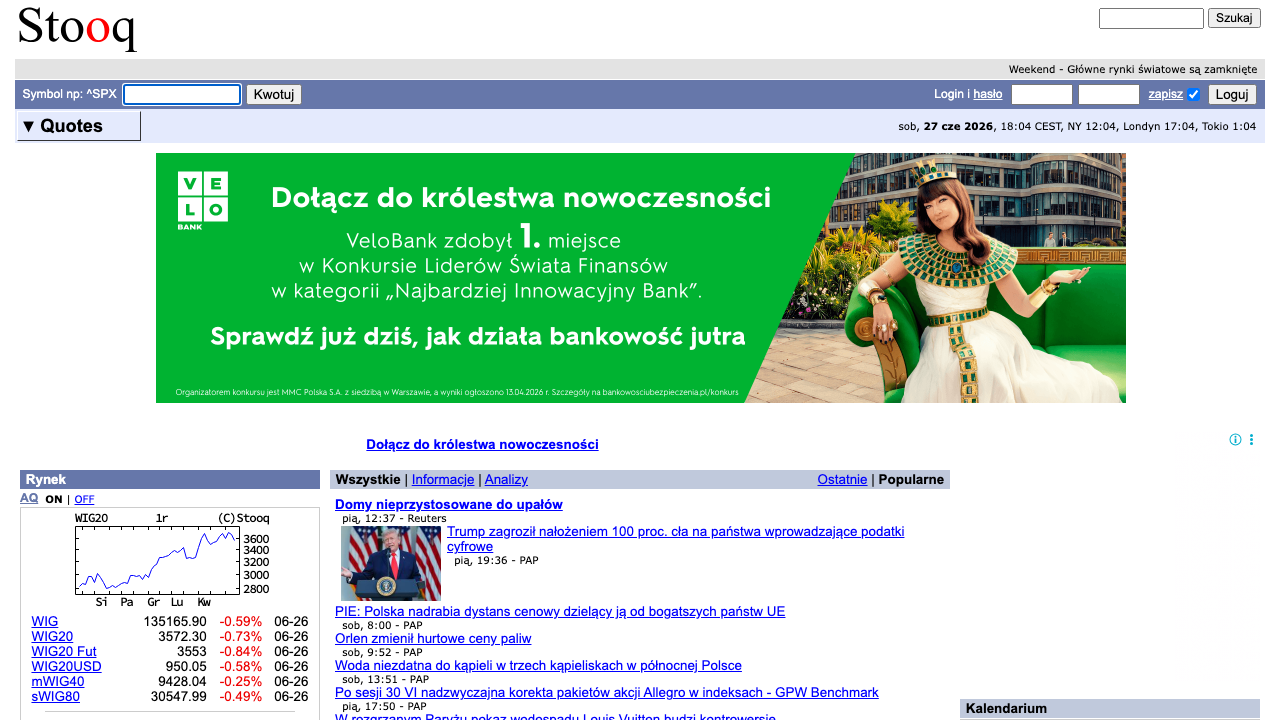
We’ll do it against Stooq (a public market data site with simple CSV endpoints). That keeps the focus on the engineering patterns you’ll reuse everywhere:
- resilient network layer (timeouts, retries, backoff)
- polite pacing
- checkpointing so reruns don’t restart from scratch
- optional proxy routing with ProxiesAPI
When your daily dataset grows (more symbols, more downloads), transient 429/5xx and network flakiness show up fast. ProxiesAPI helps you keep the fetch layer consistent with a cleaner proxy + retry strategy.
What we’re scraping (and why Stooq)
Stooq exposes historical price data through simple CSV URLs like:
https://stooq.com/q/d/l/?s=aapl.us&i=d(AAPL daily)https://stooq.com/q/d/l/?s=tsla.us&i=d(TSLA daily)
Where:
s=is the symbol (Stooq uses lowercase, and U.S. equities often end with.us)i=is interval:d= dailyw= weeklym= monthly
The response is a plain CSV:
Date,Open,High,Low,Close,Volume
2026-04-24,....
That’s ideal for a tutorial because we can build a dataset builder without brittle HTML parsing.
Important note (honesty)
Stooq is not an official exchange feed, and any public data source can change terms or availability.
If you need licensed, guaranteed market data for a commercial product, use a paid provider. This guide is for learning / internal datasets.
Setup
python -m venv .venv
source .venv/bin/activate
pip install requests pandas tenacity python-dotenv
We’ll use:
requestsfor HTTPpandasfor parsing and merging CSVstenacityfor clean retries with backoffpython-dotenvfor local env vars
Create .env:
PROXIESAPI_PROXY_URL="http://user:pass@gw.proxiesapi.com:10000"
Why this format? Most proxy services (including ProxiesAPI-style setups) provide a standard proxy gateway (host/port + credentials). requests can route through it with proxies={"http": ..., "https": ...}.
If your ProxiesAPI account uses a different integration (API gateway URL you call with ?url=), keep the same retry and timeout patterns and swap the session.get() implementation.
Step 1: A resilient fetch layer (timeouts + retries + optional ProxiesAPI)
Scraping (and downloading CSVs) fails in boring ways:
- network timeouts
- intermittent 5xx
- temporary rate limits
A production-ish fetch layer should:
- always set timeouts
- retry a small number of times
- back off between attempts
- optionally route through proxies
import os
import random
import time
from dataclasses import dataclass
from typing import Optional

import requests
from dotenv import load_dotenv
from tenacity import retry, stop_after_attempt, wait_exponential_jitter, retry_if_exception_type

load_dotenv()

PROXIESAPI_PROXY_URL = os.getenv("PROXIESAPI_PROXY_URL")

TIMEOUT = (10, 30)  # connect, read

session = requests.Session()
session.headers.update({
    "User-Agent": "Mozilla/5.0 (compatible; ProxiesAPI-Guides/1.0; +https://proxiesapi.com)"
})


@dataclass
class FetchConfig:
    proxiesapi_proxy_url: Optional[str] = None
    min_delay_s: float = 0.4
    max_delay_s: float = 1.2


class FetchError(RuntimeError):
    pass


def _proxies(cfg: FetchConfig):
    if not cfg.proxiesapi_proxy_url:
        return None
    return {
        "http": cfg.proxiesapi_proxy_url,
        "https": cfg.proxiesapi_proxy_url,
    }


@retry(
    reraise=True,
    stop=stop_after_attempt(4),
    wait=wait_exponential_jitter(initial=1, max=12),
    retry=retry_if_exception_type((requests.RequestException, FetchError)),
)
def fetch_bytes(url: str, cfg: FetchConfig) -> bytes:
    # polite jitter
    time.sleep(random.uniform(cfg.min_delay_s, cfg.max_delay_s))

    try:
        r = session.get(url, timeout=TIMEOUT, proxies=_proxies(cfg))
    except requests.RequestException as e:
        raise FetchError(f"request failed: {e}")

    if r.status_code >= 500:
        raise FetchError(f"server error {r.status_code}")

    if r.status_code == 429:
        # retry with backoff (tenacity handles waiting)
        raise FetchError("rate limited (429)")

    r.raise_for_status()
    return r.content
This is intentionally reusable. You can drop it into almost any scraper.
Step 2: Decide the symbols to download
Stooq has many assets (equities, ETFs, indices). For a tutorial dataset we’ll pick a small set of U.S. tickers.
You can hardcode a watchlist:
SYMBOLS = [
    "aapl.us",
    "msft.us",
    "goog.us",
    "amzn.us",
    "tsla.us",
]
Or load from a file (recommended):
from pathlib import Path

symbols = [
    s.strip().lower()
    for s in Path("symbols.txt").read_text(encoding="utf-8").splitlines()
    if s.strip() and not s.strip().startswith("#")
]
Example symbols.txt:
# US equities (Stooq uses .us)
aapl.us
msft.us
tsla.us
Step 3: Download historical OHLCV CSV for each symbol
Stooq historical endpoint:
https://stooq.com/q/d/l/?s={symbol}&i=d
We’ll download each symbol and parse into a DataFrame.
import io
import pandas as pd


def stooq_hist_url(symbol: str, interval: str = "d") -> str:
    return f"https://stooq.com/q/d/l/?s={symbol}&i={interval}"


def download_symbol_df(symbol: str, cfg: FetchConfig) -> pd.DataFrame:
    url = stooq_hist_url(symbol, interval="d")
    raw = fetch_bytes(url, cfg)

    df = pd.read_csv(io.BytesIO(raw))

    # normalize
    df.columns = [c.strip().lower() for c in df.columns]
    df["date"] = pd.to_datetime(df["date"], errors="coerce")

    # Some sources return '-' or empty values; coerce numerics
    for col in ["open", "high", "low", "close", "volume"]:
        if col in df.columns:
            df[col] = pd.to_numeric(df[col], errors="coerce")

    df["symbol"] = symbol

    # drop rows with missing date
    df = df.dropna(subset=["date"]).sort_values("date")
    return df
Step 4: Merge into a dataset + write CSV
Now let’s build a combined table:
Columns:
datesymbolopen, high, low, close, volume
from pathlib import Path


def build_dataset(symbols: list[str], cfg: FetchConfig) -> pd.DataFrame:
    frames = []
    for i, sym in enumerate(symbols, start=1):
        try:
            df = download_symbol_df(sym, cfg)
            frames.append(df)
            print(f"[{i}/{len(symbols)}] {sym}: {len(df)} rows")
        except Exception as e:
            print(f"[{i}/{len(symbols)}] {sym}: FAILED: {e}")

    if not frames:
        raise RuntimeError("no data downloaded")

    out = pd.concat(frames, ignore_index=True)
    out = out[["date", "symbol", "open", "high", "low", "close", "volume"]]
    return out


if __name__ == "__main__":
    cfg = FetchConfig(proxiesapi_proxy_url=PROXIESAPI_PROXY_URL)
    symbols = ["aapl.us", "msft.us", "goog.us", "amzn.us", "tsla.us"]

    ds = build_dataset(symbols, cfg)
    Path("out").mkdir(exist_ok=True)

    csv_path = Path("out/stocks_ohlcv.csv")
    ds.to_csv(csv_path, index=False)
    print("wrote", csv_path, "rows", len(ds))
Step 5: Store in SQLite (so you can keep history)
CSV is great for inspection, but SQLite is perfect for:
- incremental updates
- deduping
- querying by date ranges
import sqlite3


def write_sqlite(df: pd.DataFrame, path: str = "out/stocks.sqlite"):
    conn = sqlite3.connect(path)
    try:
        # write table
        df.to_sql("prices", conn, if_exists="append", index=False)

        # add an index (run once; ignore errors if it exists)
        try:
            conn.execute("CREATE INDEX idx_prices_symbol_date ON prices(symbol, date)")
        except Exception:
            pass

        # optional dedupe: keep distinct rows
        conn.execute(
            "CREATE TABLE IF NOT EXISTS prices_dedup AS SELECT DISTINCT * FROM prices"
        )
        conn.commit()
    finally:
        conn.close()
A more “correct” dedupe strategy is to use a table with a unique constraint and INSERT OR REPLACE, but the above keeps the tutorial straightforward.
Step 6: QA checklist (what to verify)
Before you trust a dataset, do quick sanity checks:
- Spot-check one symbol’s first and last date
- Ensure
volumeis numeric (not strings) - Confirm no duplicated
(symbol, date)rows (if you plan to append daily) - Verify the CSV endpoint hasn’t changed (a sudden 0-row download is a red flag)
Example quick check:
print(ds.groupby("symbol")["date"].agg(["min", "max", "count"]))
Where ProxiesAPI fits (honestly)
For Stooq, you can usually download CSVs without a proxy.
But the pattern you built matters: when you scale to many symbols or switch to harder targets (investor sites, filings, portals, JS-heavy pages), your failure rate climbs.
ProxiesAPI helps you keep the network layer stable:
- proxy rotation so you don’t concentrate traffic on one IP
- fewer transient blocks when volume increases
- cleaner separation between your scraper logic and “how requests get to the site”
Next upgrades
If you want to make this dataset builder truly production-grade:
- maintain a
runs/log (what symbols succeeded/failed) - checkpoint per symbol (skip if already downloaded today)
- add concurrency with a small worker pool (and stricter rate limits)
- store to Postgres/S3 if you outgrow SQLite
If you want, I can turn this into a CLI (stocks scrape --symbols symbols.txt --out out/) and add incremental daily updates.
When your daily dataset grows (more symbols, more downloads), transient 429/5xx and network flakiness show up fast. ProxiesAPI helps you keep the fetch layer consistent with a cleaner proxy + retry strategy.